Sharing lessons
A lesson that landed for you is often exactly what a teammate is missing. devcoach lets you hand one over without any account or server: the lesson itself travels, in a form the receiver can paste, click or drop wherever they use devcoach — and it joins their coaching log as a lesson shared by you.
Three ways to hand a lesson over
Every transport carries the same payload; the receiver never has to know which one you used.
| Transport | What you get | Best for |
|---|---|---|
| Copyable text | The lesson card as markdown, then one devcoach:lesson:1:… line | Chat, issues, email — paste the whole thing; devcoach finds the code |
| Link | https://ultimaphoenix.github.io/dev-coach/lesson#devcoach:lesson:1:… | Messaging — the receiver reads the lesson in the browser and imports it with one click |
.devcoach.md file | <lesson-id>.devcoach.md, YAML front matter + the markdown body | Pull requests, wikis, repos — renders on GitHub, opens in any editor |
The code is the lesson's JSON, compressed (raw DEFLATE) and base64url-encoded: about 1 000 characters for a typical lesson, one line, safe in URLs. A share is a plain string — nothing is uploaded anywhere.
From the dashboard
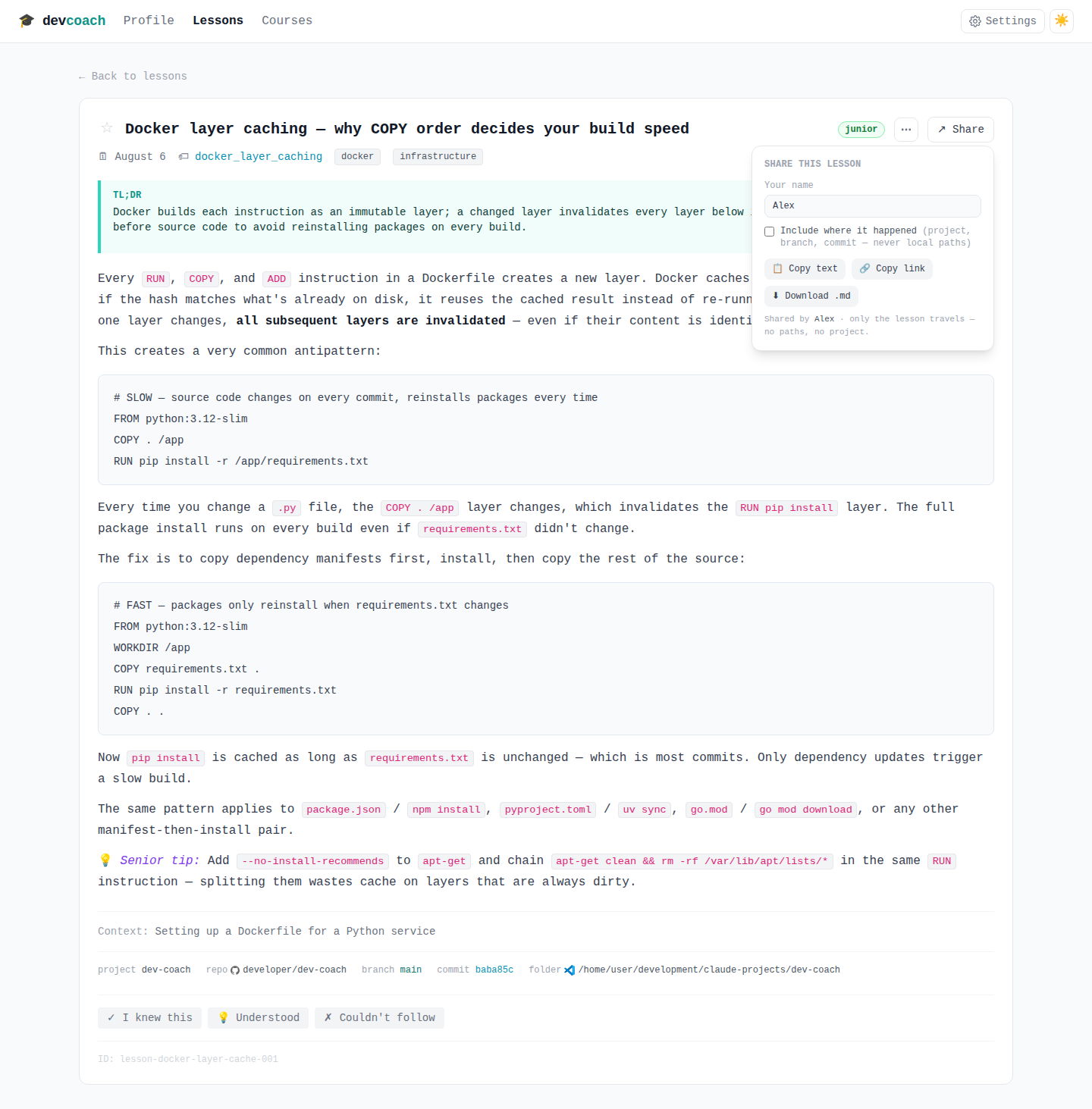
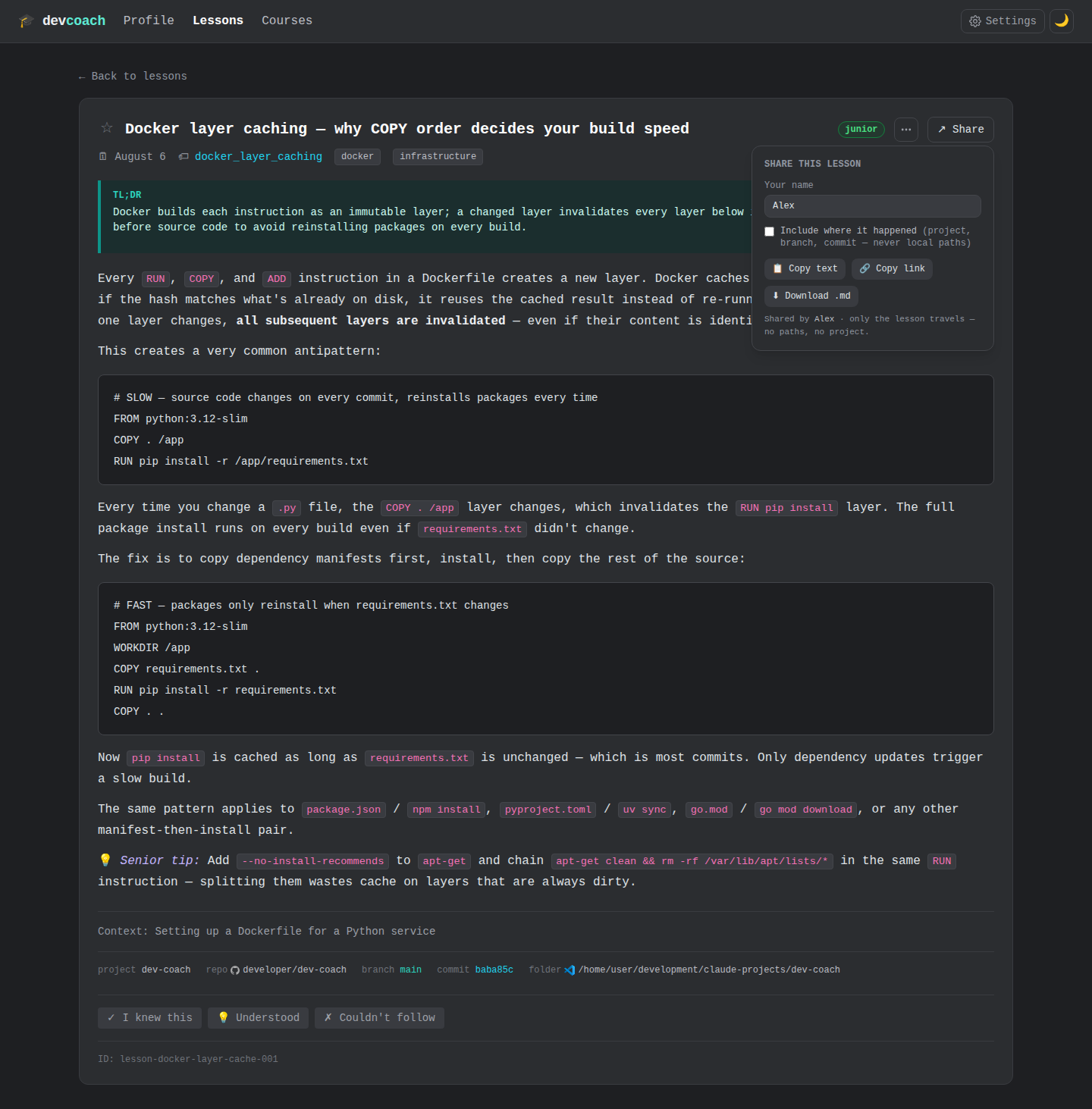
Open a lesson and click ↗ Share (or ↗ at the end of its row on the Lessons page — that one
opens the same panel in a popover next to the row, so you never leave the list). The popover
shows your name, an Include where it happened checkbox (off by default) and three actions: Copy
text, Copy link, Download .md.
From the terminal
devcoach share --last                 # card + code line → paste anywhere
devcoach share <id> --link            # the share link
devcoach share <id> --file            # writes <id>.devcoach.md
devcoach share <id> --with-context    # also project / branch / commit / task
devcoach share <id> --by "Ada"        # sender name (remembered as share_name); --anonymous to drop it
What Copy text and devcoach share produce — the card people can read, then the one line
devcoach reads (shortened here; a real code is one line of about a thousand characters):
### ─────────── 🎓 devcoach ───────────
**Docker layer caching — why COPY order decides your build speed** · docker · infrastructure · Junior

Every `RUN`, `COPY`, and `ADD` instruction in a Dockerfile creates a new layer. Docker caches each
layer by its content hash; if the hash matches what's already on disk, it reuses the cached result…

Shared by Ada with devcoach — paste it to your agent or run: devcoach import
devcoach:lesson:1:dVZdbhs3EL7KYAskgKBd_RhNEeXJqBugaBsXtougqQsvtaQk2rvkluRKWQQBeoai70Wv1hP0CPmGS…
Paste the whole thing anywhere: chat, an issue, an email. The receiver never has to find the code in it — every importer does.
From your agent
Ask in plain words — "share the last lesson", "share the lesson about WAL mode as a link", "share it
as a file, anonymously". The agent calls the share_lesson tool and replies with the card and the
code in a fenced block (or the link, or writes the file). With the Claude Code plugin, /devcoach:share
does the same: /devcoach:share last as link, /devcoach:share about docker with context.
The coach never offers to share on its own — with one exception: right after you star a lesson, it asks once whether you want to hand it to a teammate.
Receiving a lesson
Every way in leads to the same place: the lesson joins your log, attributed to the sender.
- Dashboard — + Import on the Lessons page: paste the code, the link, a URL whose body is a
shared lesson (a raw gist, a file in a repo), or the whole copied card; pick a
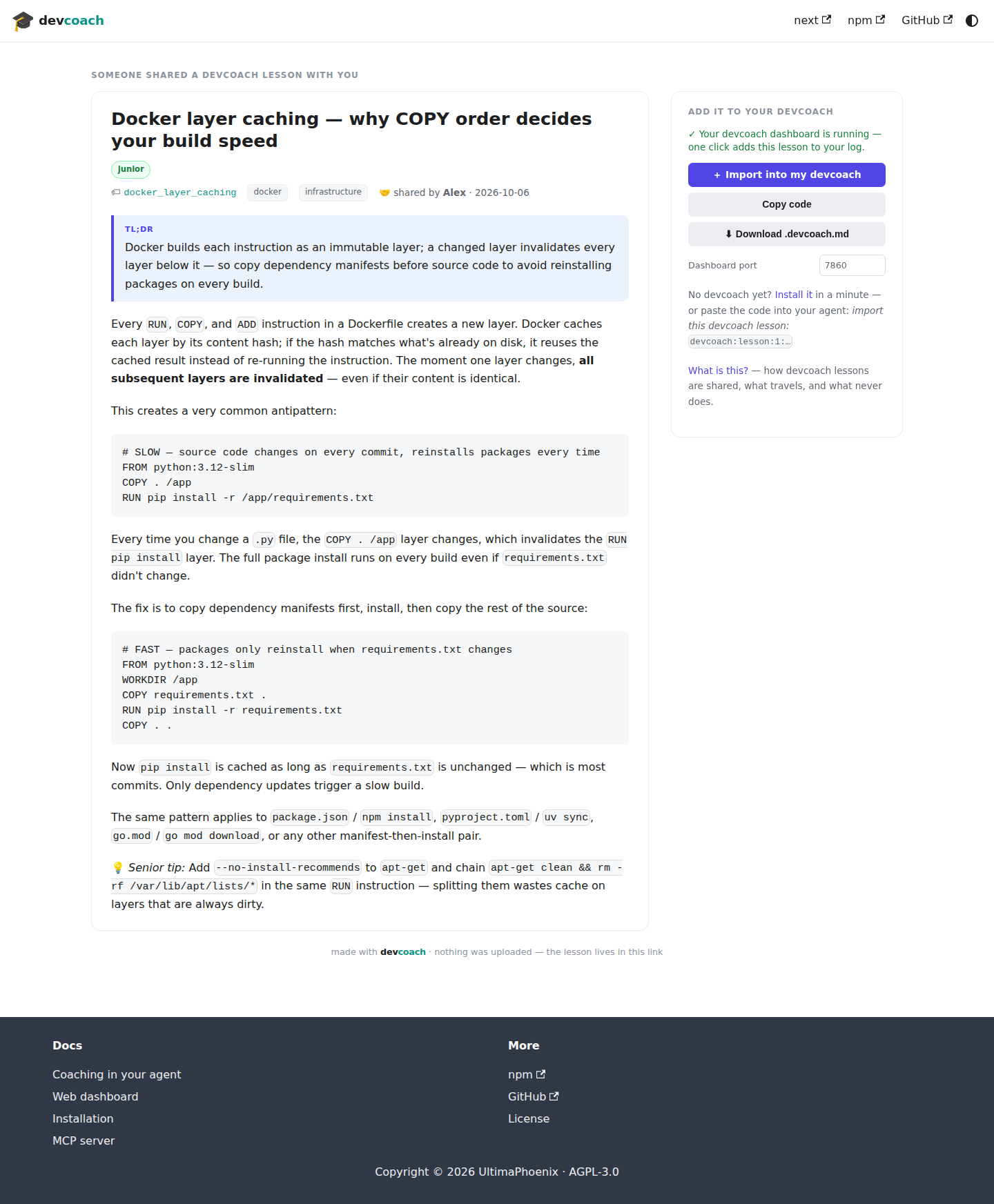
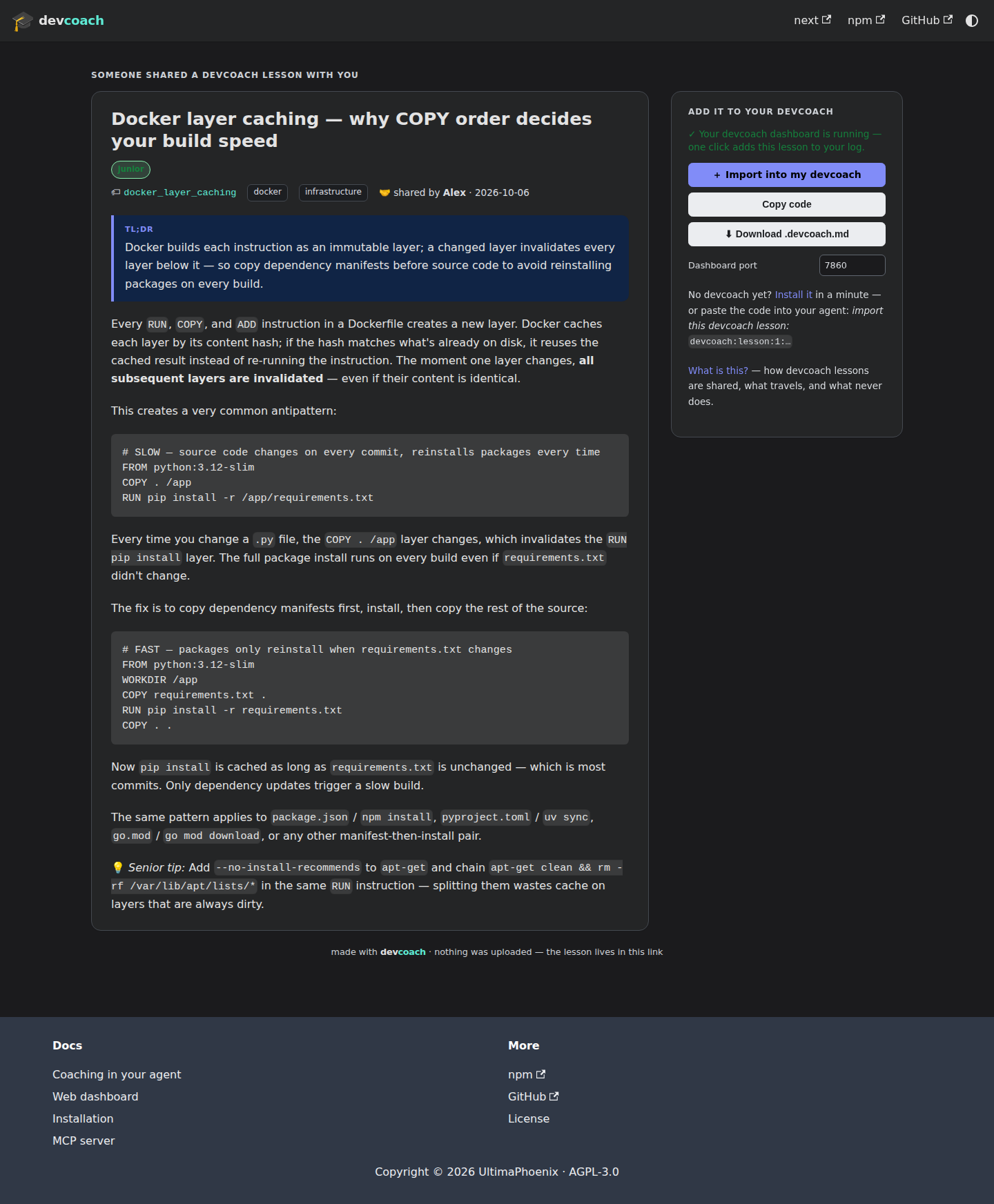
.devcoach.md; or drop the file anywhere on the page. - Link — the share page shows the lesson and, when your dashboard is running, Import into my
devcoach opens a preview on
127.0.0.1with a single Add to my lessons button. Nothing is saved until you click it. The page also offers Copy code and Download .devcoach.md. - Terminal —
devcoach importwith no argument reads your clipboard; otherwise pass the code, the link, a URL, a file path, or-for stdin. - Agent — hand it whatever you were given and say "import this devcoach lesson" (plugin:
/devcoach:import <code or link>). Then "show me the lesson Ada shared" renders it as a card.
- 1 · The link opens
- 2 · Preview in the dashboard
- 3 · Imported
- Or: paste into + Import
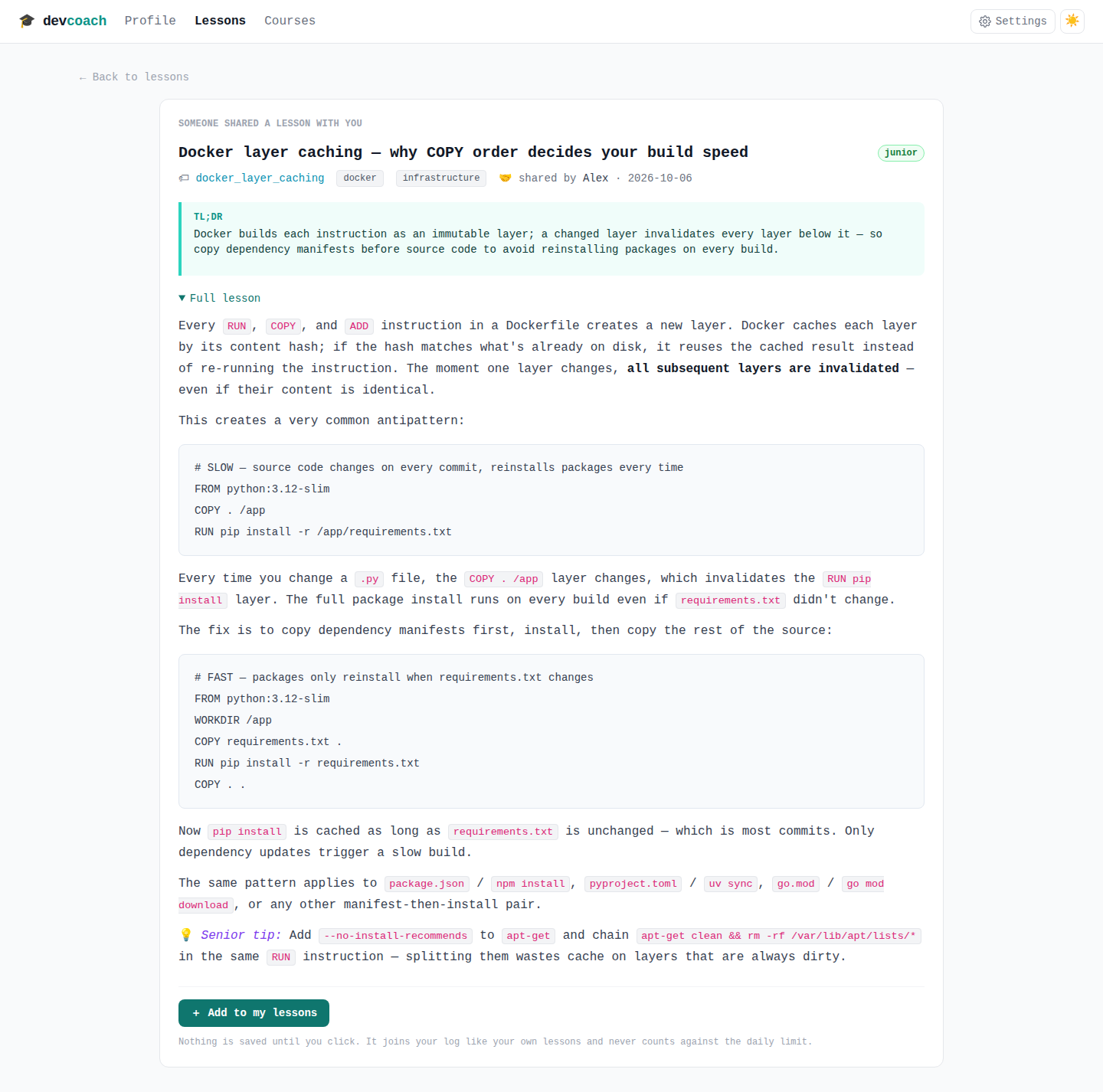
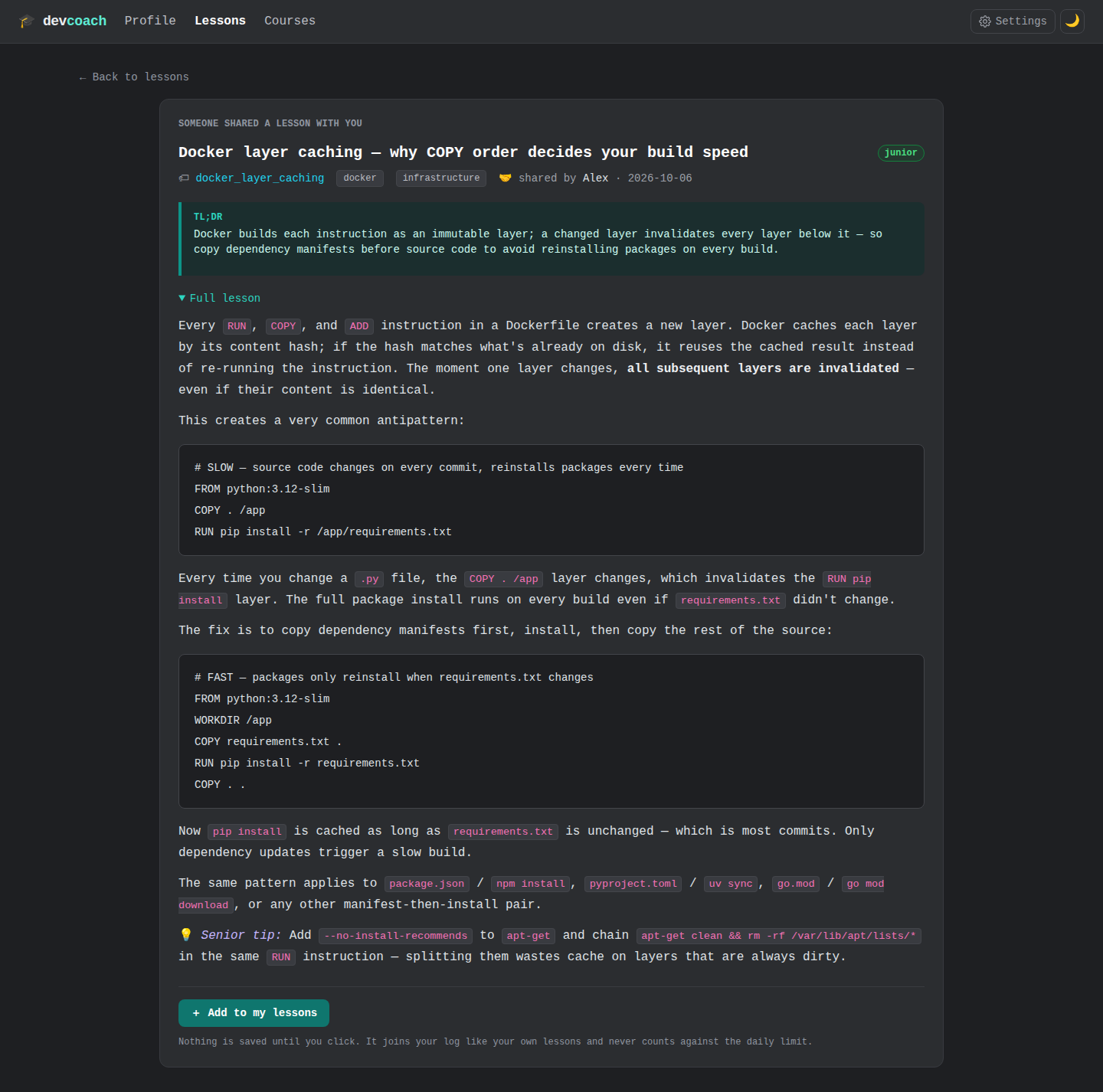
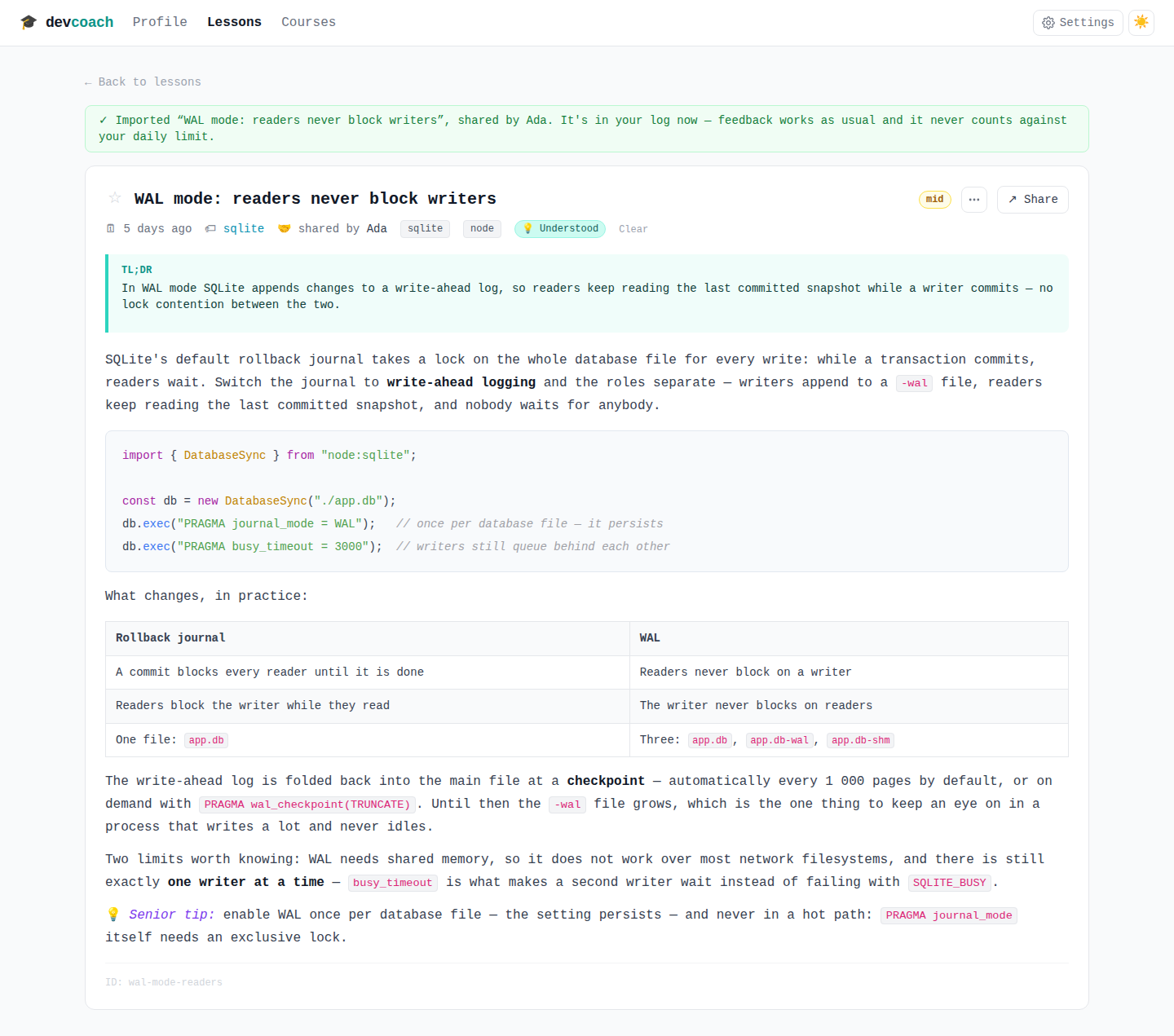
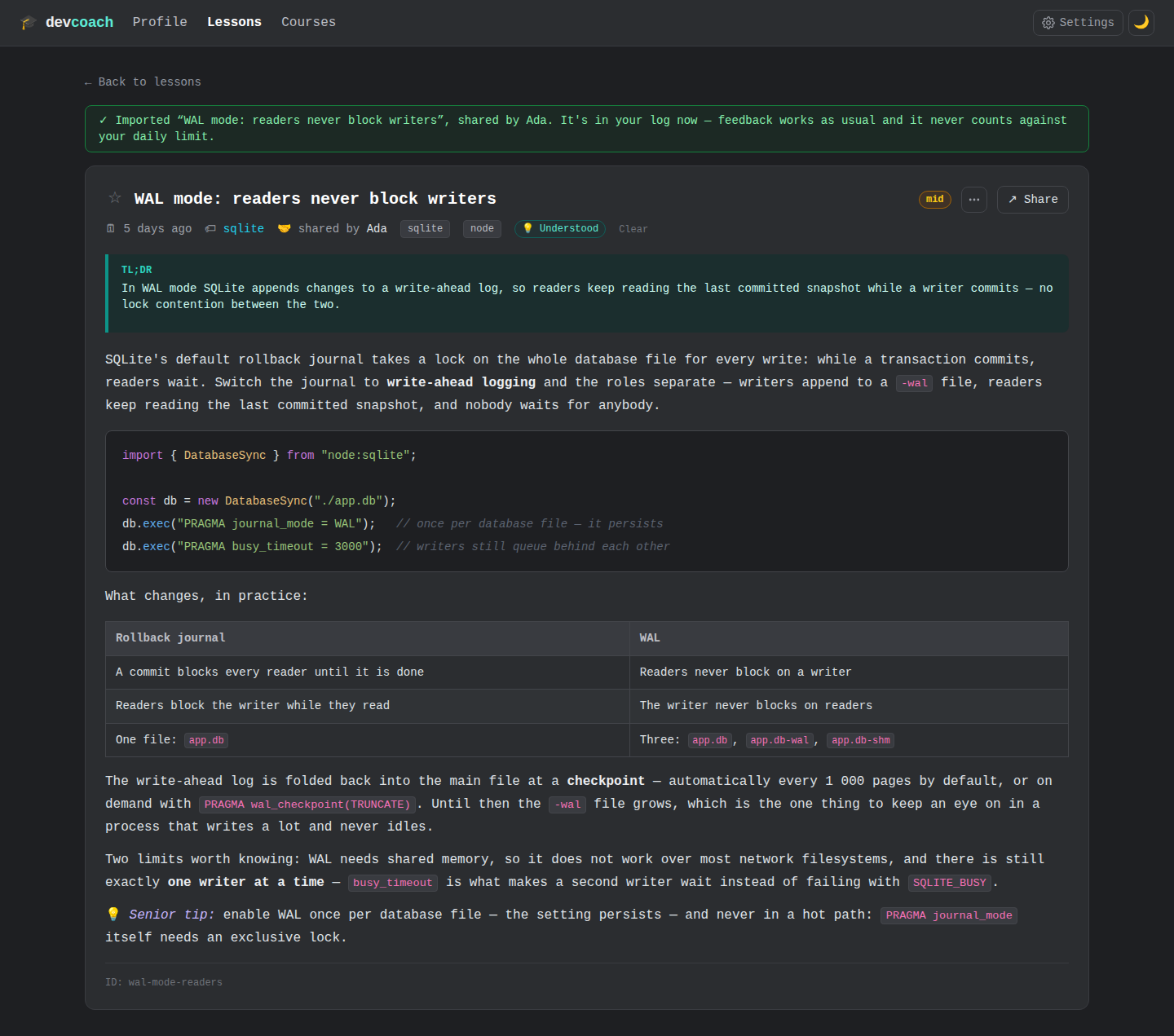
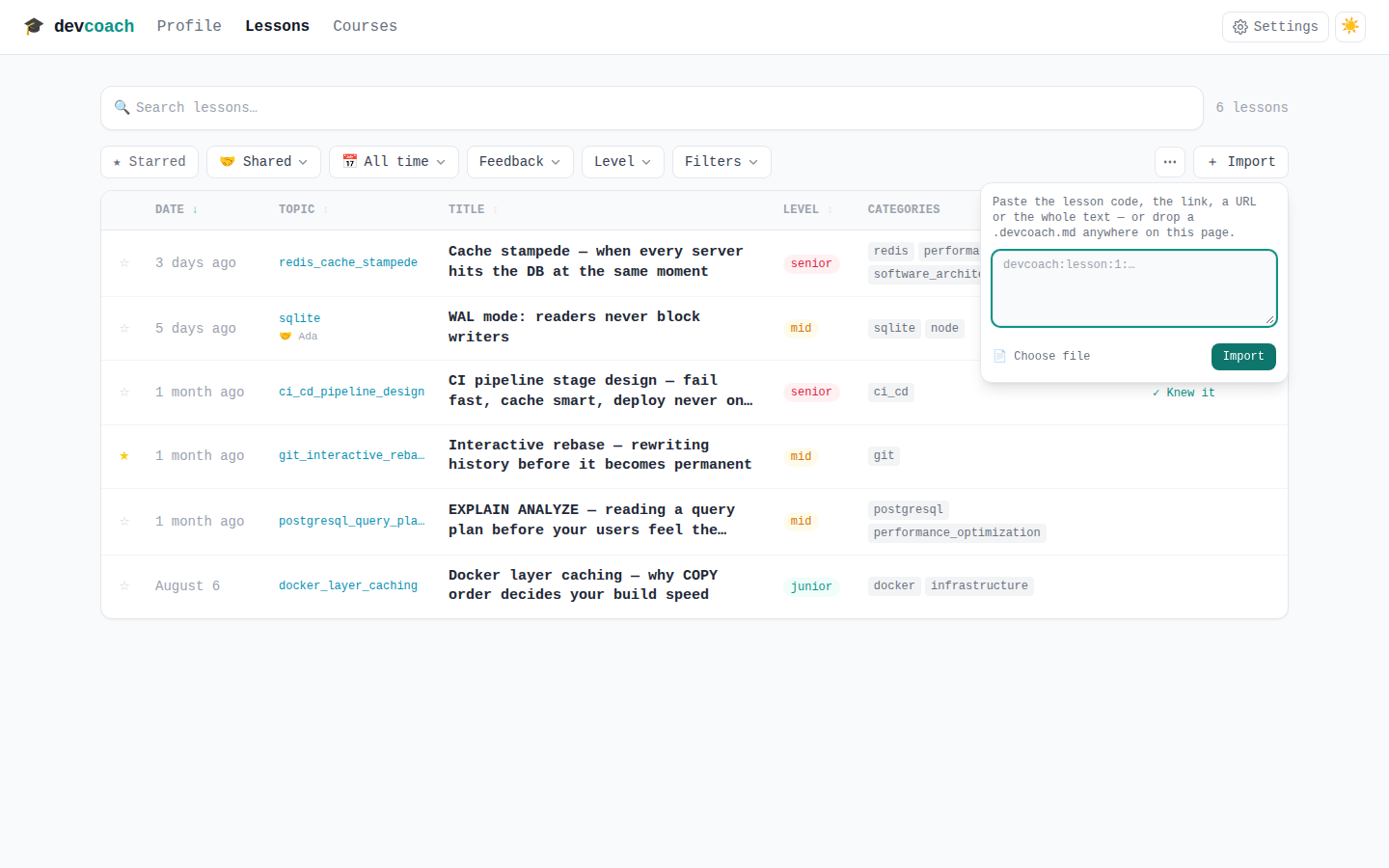
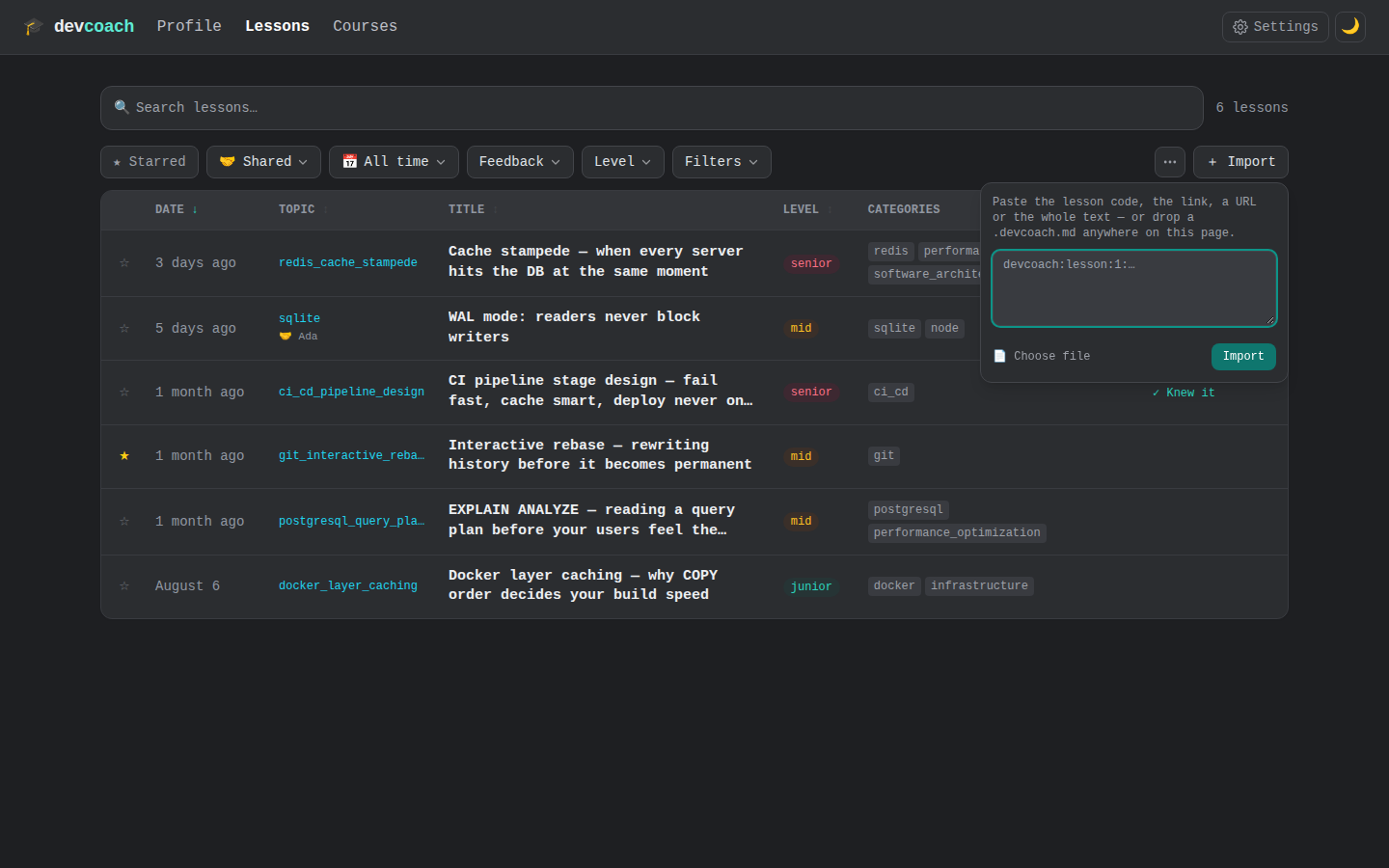
The same import from the terminal, twice — the second time devcoach recognises the share:
$ devcoach import ~/Downloads/lesson-docker-layer-cache-001.devcoach.md
✓ Imported "Docker layer caching — why COPY order decides your build speed" (shared by Ada) as lesson-docker-layer-cache-001 — topic docker_layer_caching
Topic 'docker_layer_caching' is not in your knowledge map — track it with: devcoach knowledge-add docker_layer_caching

$ devcoach import ~/Downloads/lesson-docker-layer-cache-001.devcoach.md
Already in your log as lesson-docker-layer-cache-001 (shared by Ada)
What travels — and what never does
- By default only the lesson: title, TL;DR, body, topic, categories, level.
- On request (Include where it happened,
--with-context, "with context"): project name, branch, commit and the task context. A repository name travels only for remote hosts (GitHub, GitLab, Bitbucket); a local folder path never leaves your machine. - Your name is proposed from the
share_namesetting, then your gituser.name; edit it in the popover or share anonymously. The receiver sees shared by … with that name and the date. - The link is server-less: the lesson sits in the URL fragment (after
#), which browsers never send to the site. The page decodes it locally; the only request it makes is a best-effortGET /pingto your own dashboard on127.0.0.1to say whether it is running. That check needs a one-time Local network access permission in Chrome 142+ and is not possible at all in Safari (see Troubleshooting) — the Import button works regardless.
See Privacy & security for the full statement.
How an imported lesson behaves
- It appears in your log with a 🤝 shared by line and can be filtered with
devcoach lessons --imported/--from <name>,get_lessons({imported: true})/({shared_by: "<name>"}), or the dashboard's 🤝 Shared filter.
- In the list
- The lesson
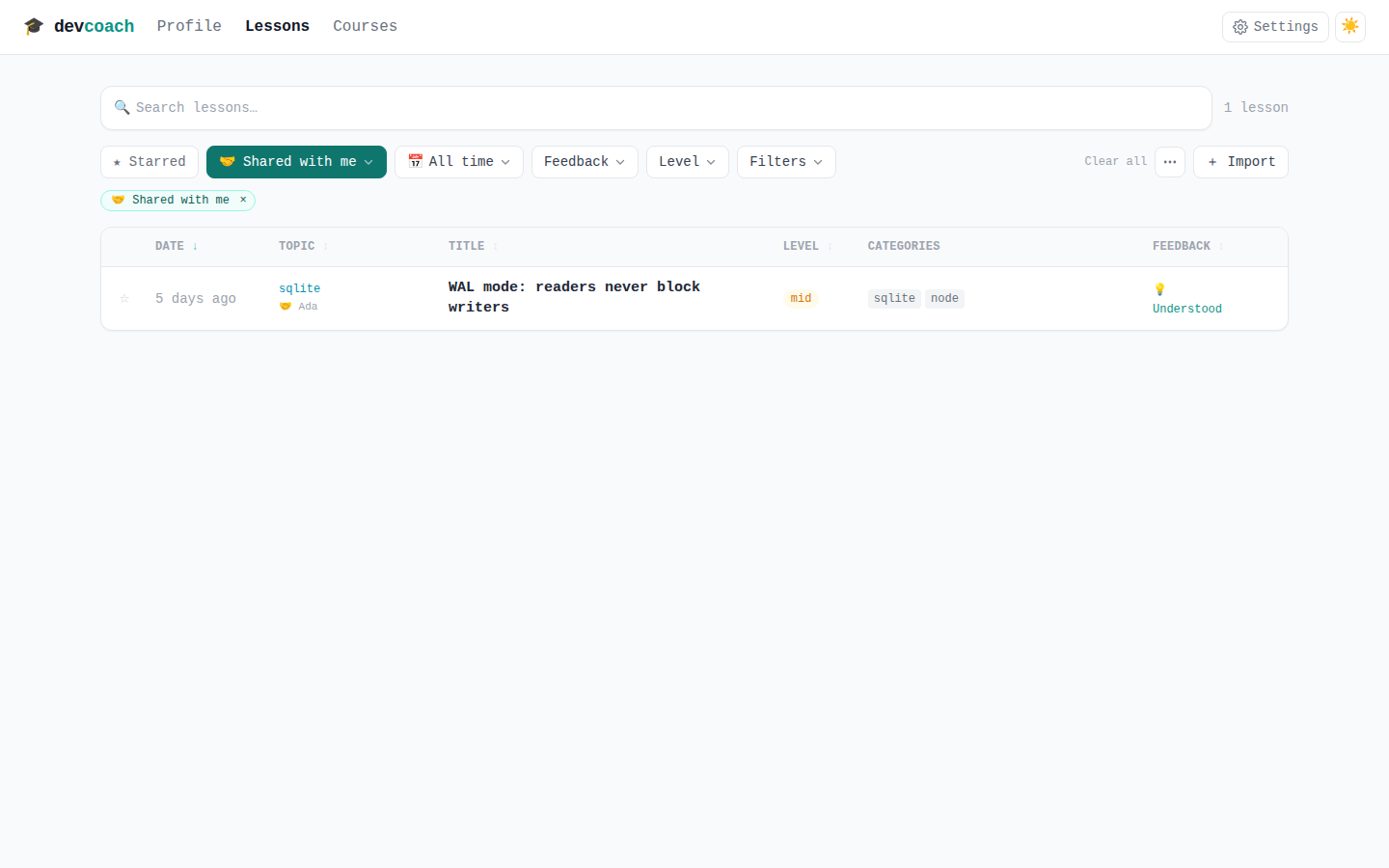
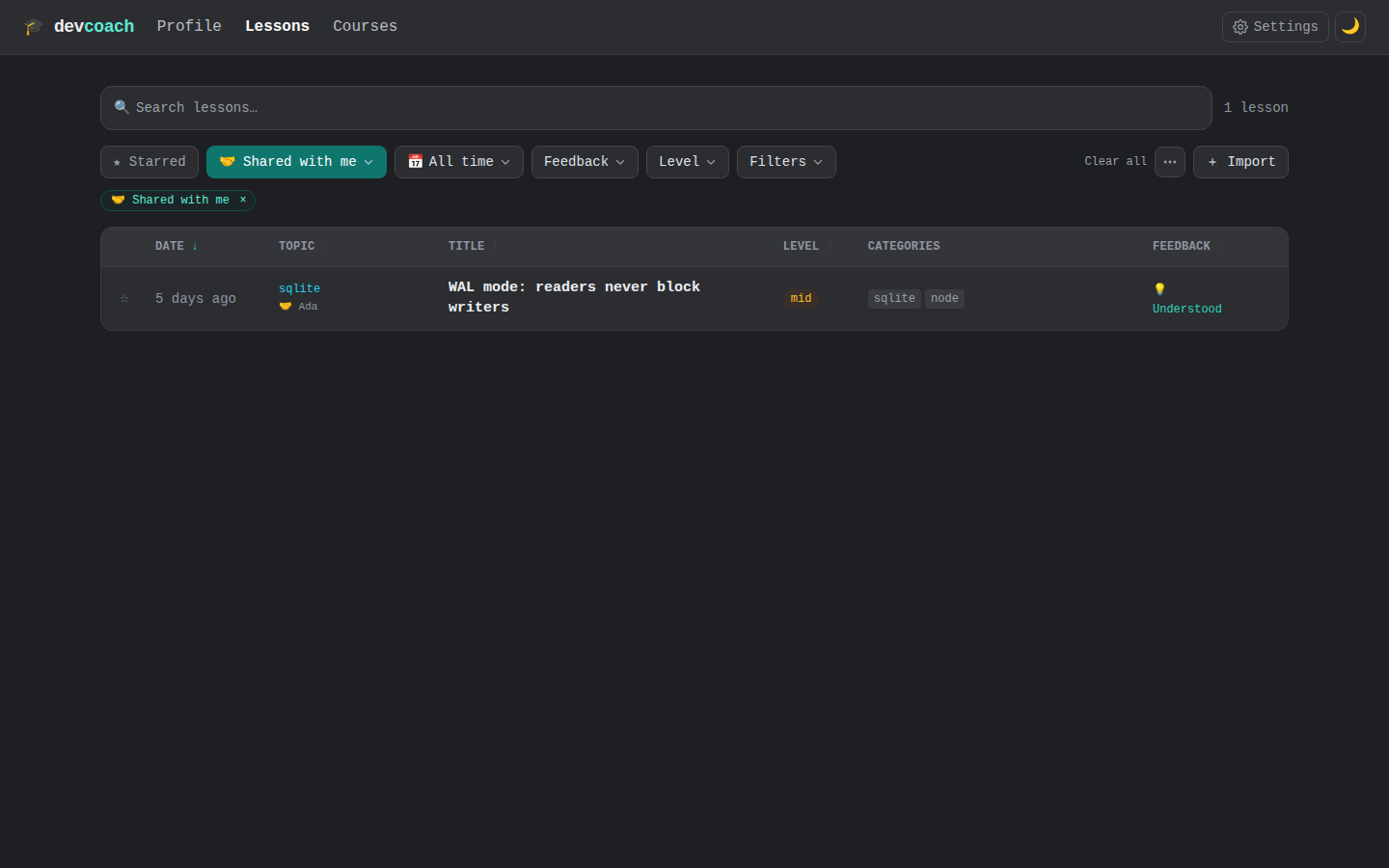
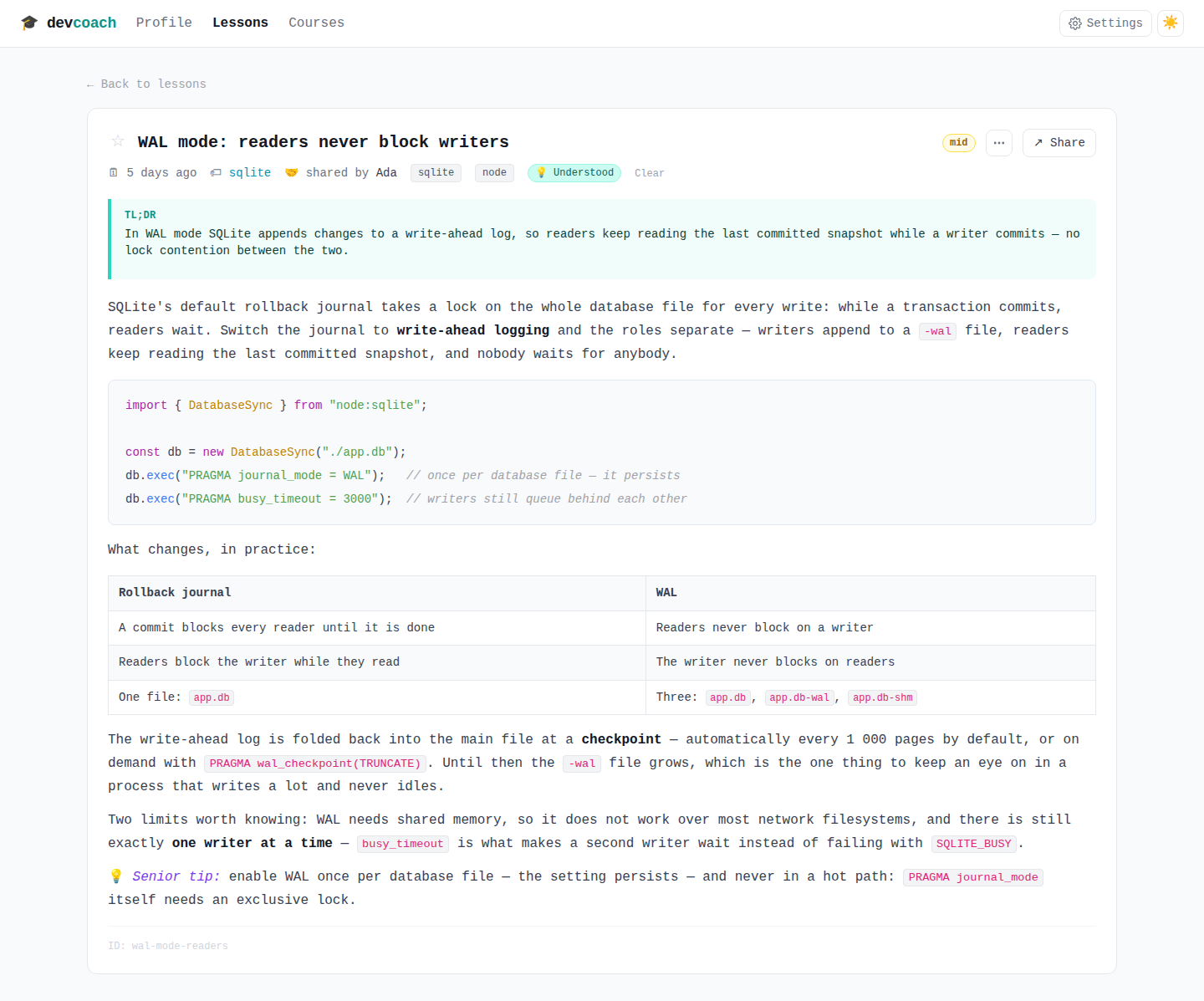
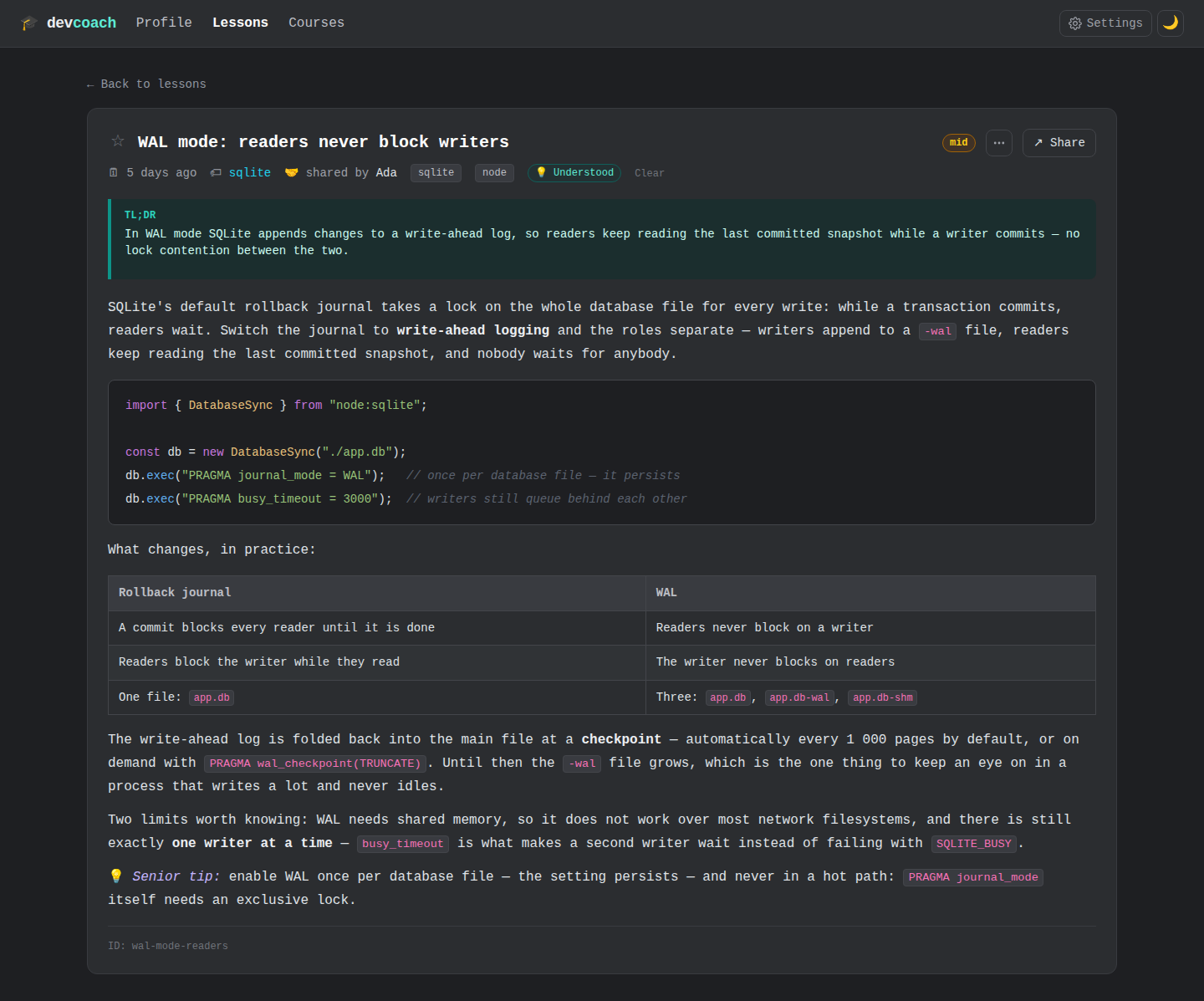
$ devcoach lessons --imported
╭───┬────────────┬────────┬─────────────────────────────────────────┬───────┬──────────────┬───────────╮
│   │ Date       │ Topic  │ Title                                   │ Level │ Categories   │ Shared by │
├───┼────────────┼────────┼─────────────────────────────────────────┼───────┼──────────────┼───────────┤
│ · │ 2026-04-20 │ sqlite │ WAL mode: readers never block writers 💡 │  mid  │ sqlite, node │ Ada       │
╰───┴────────────┴────────┴─────────────────────────────────────────┴───────┴──────────────┴───────────╯
- Its topic counts as taught, so the coach will not teach it again, and ✓/✗ feedback works as for your own lessons. If the topic is not in your knowledge map yet, you are offered to track it.
- It never counts against your daily limit or the minimum gap, and never resets the pacing — a shared lesson is a gift, not a lesson delivered to you.
- Importing the same share twice reports already in your log; the same lesson from a different sender is stored as a separate lesson.
The .devcoach.md format
A .devcoach.md is a markdown file with YAML front matter — readable by people, renderable on GitHub,
and importable by any devcoach. Other tools can write it too; the parser accepts JSON-quoted strings,
flow lists ([a, b]) and null:
---
format: devcoach.lesson
version: 1
title: "WAL mode: readers never block writers"
topic_id: sqlite
level: mid
categories: [sqlite, node]
summary: "In WAL mode SQLite appends changes to a write-ahead log, so readers keep reading the last committed snapshot."
origin_id: wal-mode-readers
origin_timestamp: 2026-09-10T10:00:00Z
shared_by: "Ada"
shared_at: 2026-09-14T09:30:00Z
app_version: 2.1.0
---

SQLite's default rollback journal locks the whole database for a write…

💡 *Senior tip:* enable WAL once per database file — it persists.
Optional keys, present only when context was included: task_context, project, repository,
branch, commit_hash, repository_platform. folder is never written.
Troubleshooting
| Symptom | Cause | Fix |
|---|---|---|
| This lesson code is damaged or incomplete | A character of the code was changed — an email client wrapped it, a chat trimmed it, a model retyped it | Copy the whole text again; devcoach re-joins wrapped lines, but not edited characters |
| too large to be a lesson | The code is bigger than a real lesson (64 000 characters / 256 KB decoded) | Ask the sender for the .devcoach.md file instead |
| shared by a newer devcoach | The sender runs a newer share format | Upgrade devcoach (npm i -g devcoach@latest, brew upgrade devcoach) |
| Only public http(s) URLs can be imported | The URL points at localhost, a private network or a link-local address | Copy the lesson text instead of the URL |
| The link page says no dashboard answered | The dashboard is not running, or runs on another port | Start it (devcoach ui, /devcoach:ui) or set the port in the panel, then retry the check; the Import button works either way |
| Safari says it can't check my dashboard | Safari (WebKit) blocks any request from an https page to http://127.0.0.1, so the page cannot probe your dashboard — the check is skipped, nothing is wrong | If the dashboard is running, Import works as usual (it is a plain navigation); otherwise use Copy code or Download .devcoach.md |
| Safari 18.2–18.5 refuses to open the Import link ("HTTPS-Only") | Those versions block links to http://localhost with no way to proceed | Paste http://127.0.0.1:7860/lessons/import?code=… in the address bar, or use Copy code; fixed in Safari 26 |
| Chrome asked to allow local network access, or the page says the browser blocks it | Chrome 142+ asks once before a website may reach 127.0.0.1 | Allow it (icon left of the address bar → Local network access), then retry; Import works regardless of the answer |
| The link page hides the Import button | The code is longer than a URL Node's dashboard accepts (~12 000 characters) | Use Copy code or Download .devcoach.md and import that |