Courses
What it's for: when a lesson is too much for one session, a course is the way out. Instead of another card at the same height, devcoach builds a step-by-step path that starts where you actually stand — and it finds that starting point by asking.
How a course starts
Under every lesson card you answer with one letter:
Did that land? ✅ knew it (y) · 💡 understood (u) · ❌ couldn't follow (n)
Answer n and the coach offers, once: "Want a step-by-step course on this? 🎓". Say yes and it
begins right there. You can also start one on any lesson or any concept at all:
/devcoach:course                       # from the newest lesson you couldn't follow
/devcoach:course node error event      # from the lesson those words describe
/devcoach:course logarithms            # from a concept, when no lesson matches
/devcoach:course continue              # pick up the active course
or just ask — "explain this properly", "teach me X from the basics", "start a course on the HTMX redirect lesson". You never need a lesson's id: a few words of its title are enough (every word has to match somewhere, in any order), and when several lessons match you pick one from a list (or choose none for a free concept). If that lesson already has a course, the coach asks first: continue it, redo it, or keep both.
What happens next
- It asks what you know — one question at a time. "To explain logarithms I first need powers. Do you know what 2³ means?" In Claude Code the three answers — Yes, Roughly, No — come as selectable choices, so you click rather than type (Gemini and Codex get the same question as text). A no goes one level down (powers → multiplication → sums…); a yes is the floor the course will start from. The chain stops at something you know, at a topic your profile already rates well, or after five levels.
- It plans bottom-up from that floor to the target — three to seven short steps, one idea each — and writes the course as one rich, self-contained HTML document that shows one step at a time, with the step menu at the side and Previous / Next at the bottom. Every step has the idea, a worked example (drawn from the work that triggered the lesson when it can), a Try it box and a Check yourself question with a reveal. The code is in the lesson's own language: JavaScript examples are editable and really run in the page; a Java, Rust, Go, Python or Swift course keeps its snippets read-only and makes you predict the output, fill a blank, spot the bug, or drive a simulation of the concept instead.
- It teaches one step per message in the chat: the idea in a few lines, a pointer to the
step in the dashboard, then the check question — as choices when the answer is a pick (an
order, a yes/no, one of a few candidates), as free text when you have to write an output or
an explanation. A correct answer marks the step done and moves on; a wrong one gets a fresh
angle, never a silent skip; two misses and the coach offers to split the step in two, right
there in the document. Say skip to skip a step, later to pause —
/devcoach:course continueresumes. - At the end, if the course grew from a lesson you couldn't follow, it offers once to mark that lesson as understood.
Right after writing the document, and only in a client that has the Artifact tool, the coach offers once to publish the same file as a Claude artifact — a copy you can share by link. Saying yes uploads that copy to claude.ai: it is the one case where course content leaves your machine. The link is private until you share it, but the file then lives on Anthropic's servers under your account, and a course often quotes your own work (project names, paths, snippets from the task that started it) — the coach tells you what this one contains when it asks. Say no and nothing is uploaded. The local file stays the course either way; devcoach records nothing about the artifact, so you manage or delete it from your artifacts on claude.ai.
While a course is active, the usual lesson cues pause so nothing interrupts the conversation.
Where it lives
Everything stays on your machine, next to your lessons (the only exception is an artifact you chose to publish, above):
- the course's index and progress in
~/.devcoach/coaching.db(tablescourses,course_steps); - the document at
~/.devcoach/courses/<course-id>/index.html, written by the AI with its own file tools — never pasted into the chat.
Backups include both, and devcoach restore puts them back.
The dashboard
Courses in the top nav lists every course with its progress and the lesson it grew from. A course page shows the prerequisite chain (✓ known, ✗ unknown), the step list with Mark done / Skip / Reopen — click a step and the document switches to it — and the document itself, one step at a time, rendered in a sandboxed frame: the page can run its own scripts (that is what makes the live examples work) but cannot reach the network, submit forms or touch the rest of the dashboard. The frame takes the height of the current step, so you scroll the page, not a box. The lesson page links to its course with the current progress. Deleting a course (⋯ → Delete course…) removes its rows and its folder; the lesson stays.
- Courses
- A check step, with a chart
- A completed course
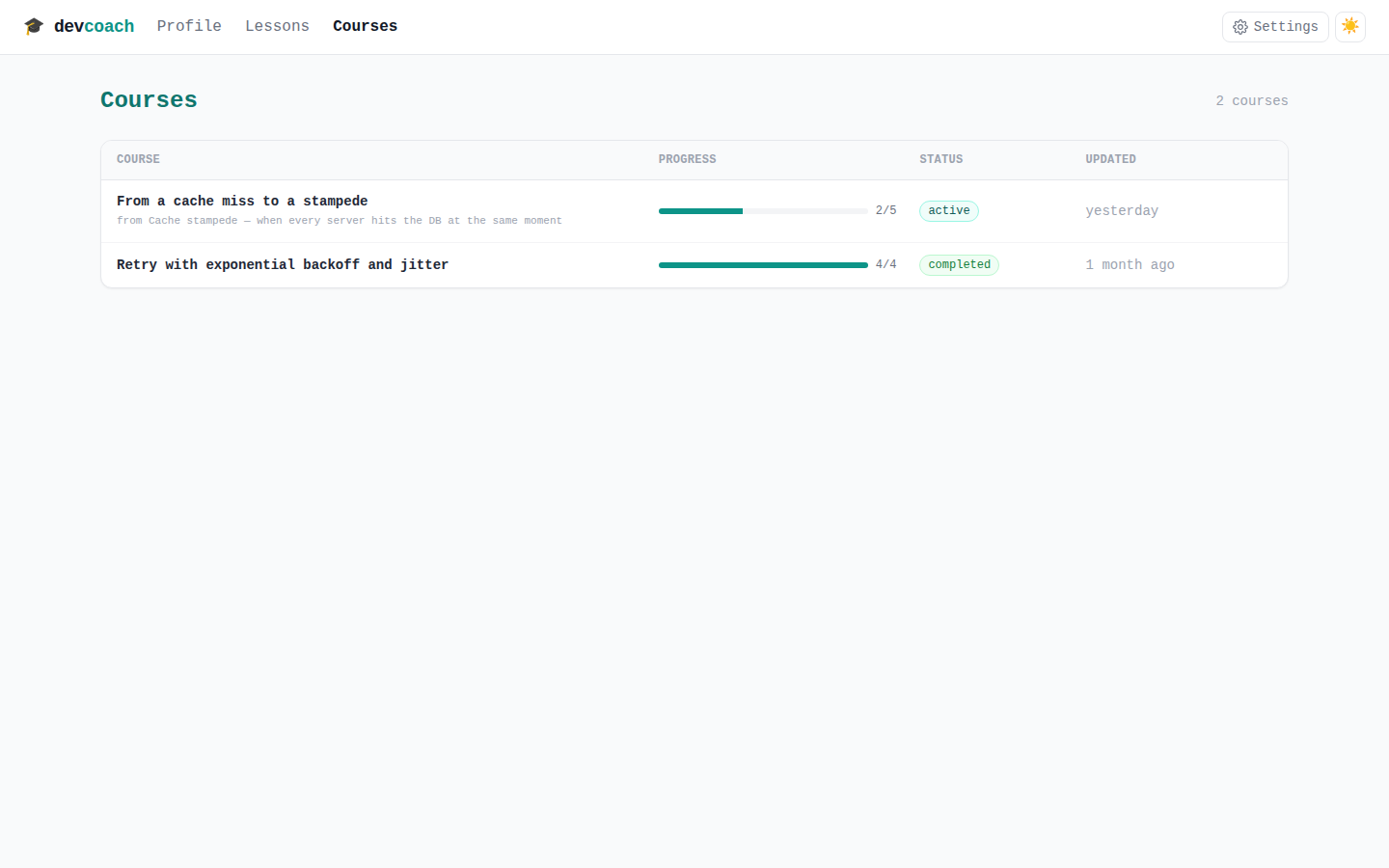
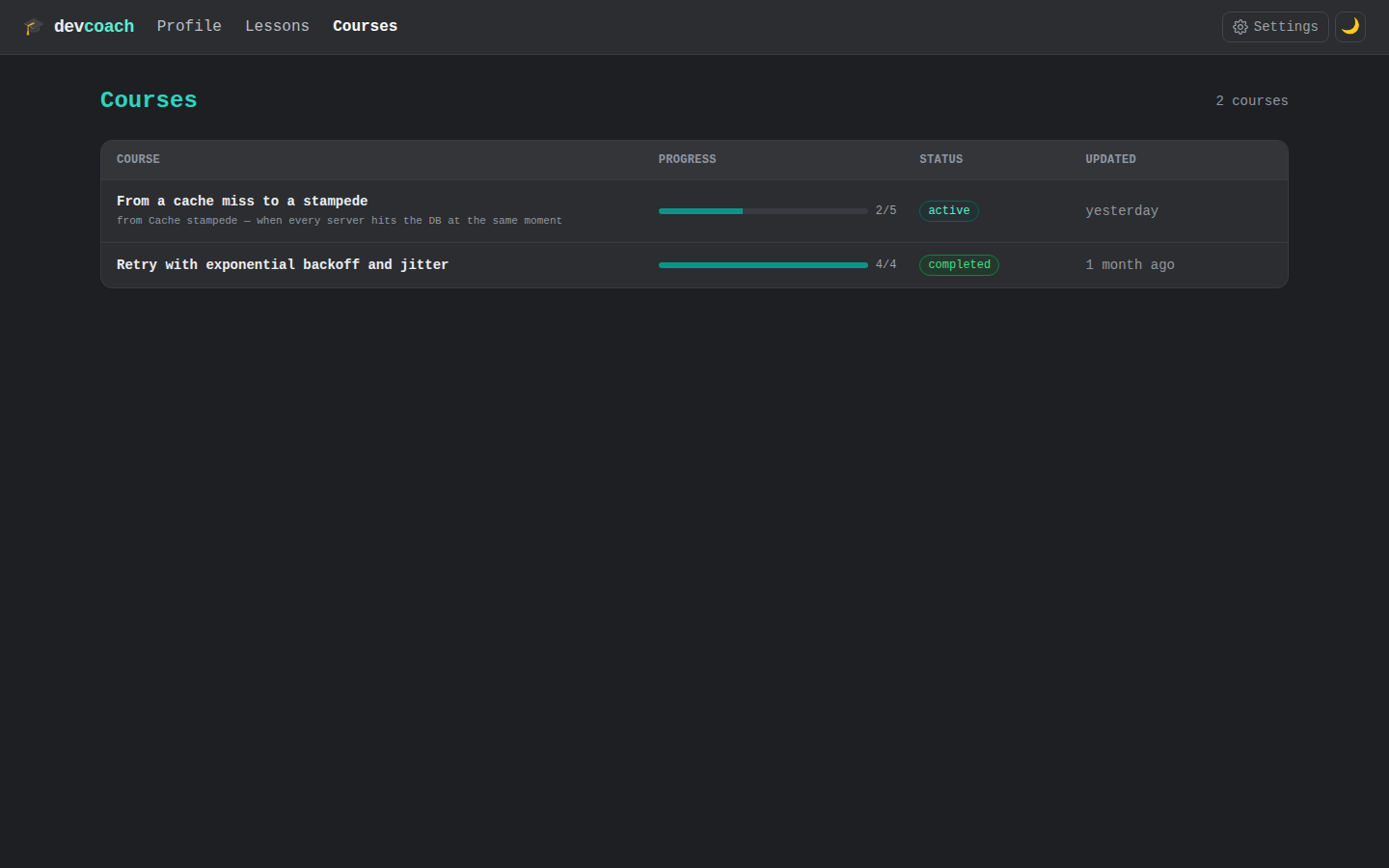
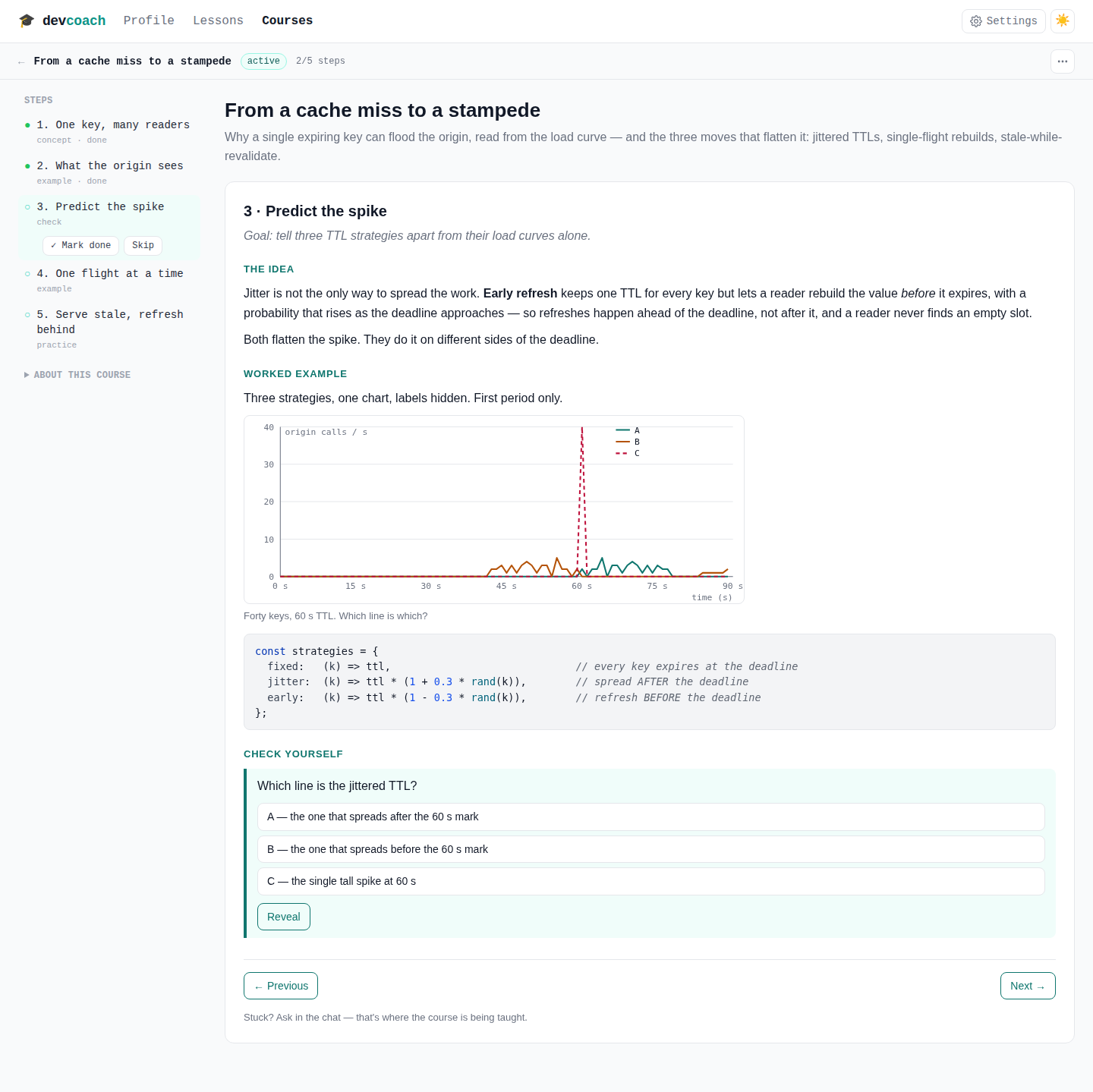
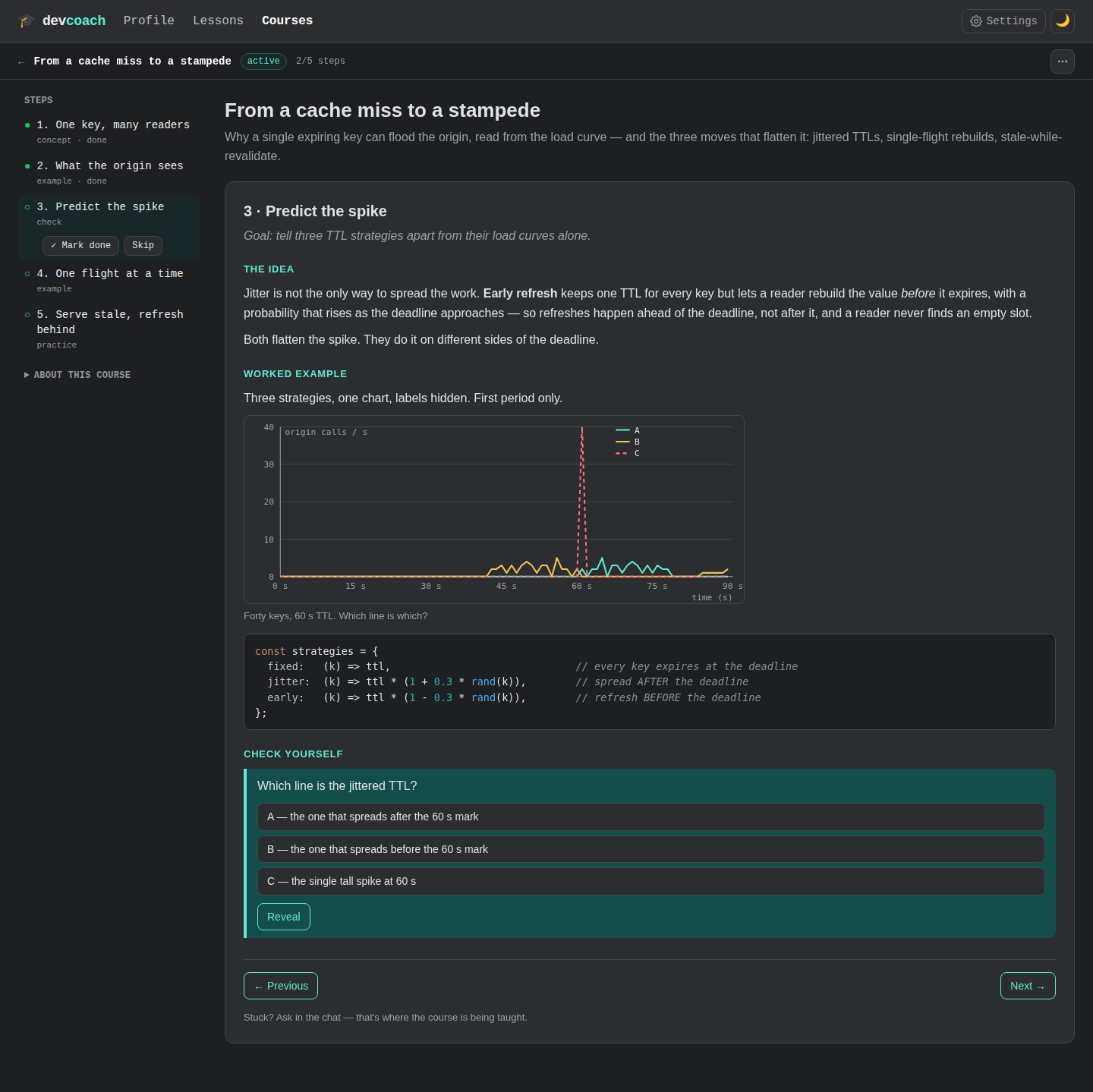
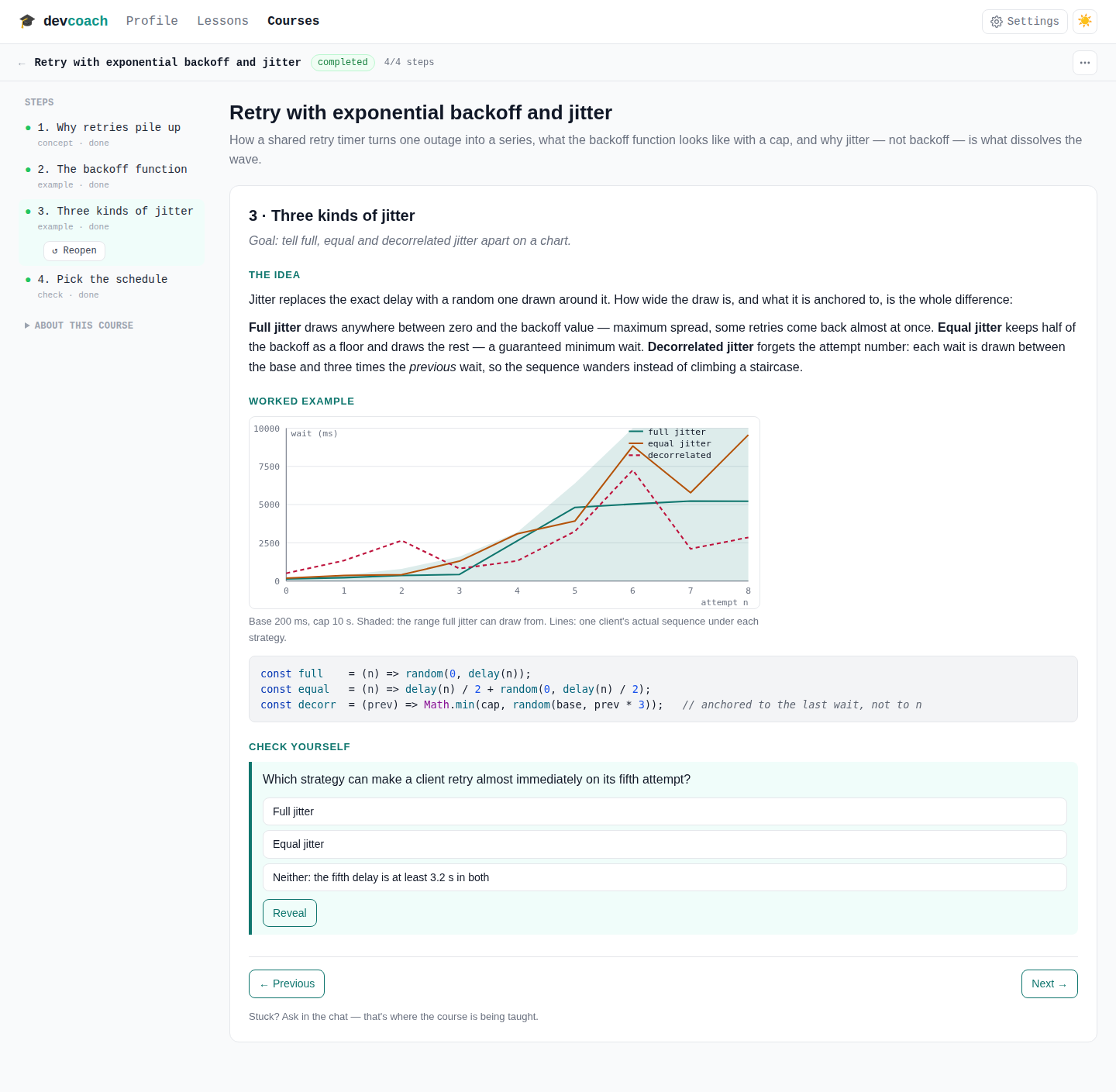
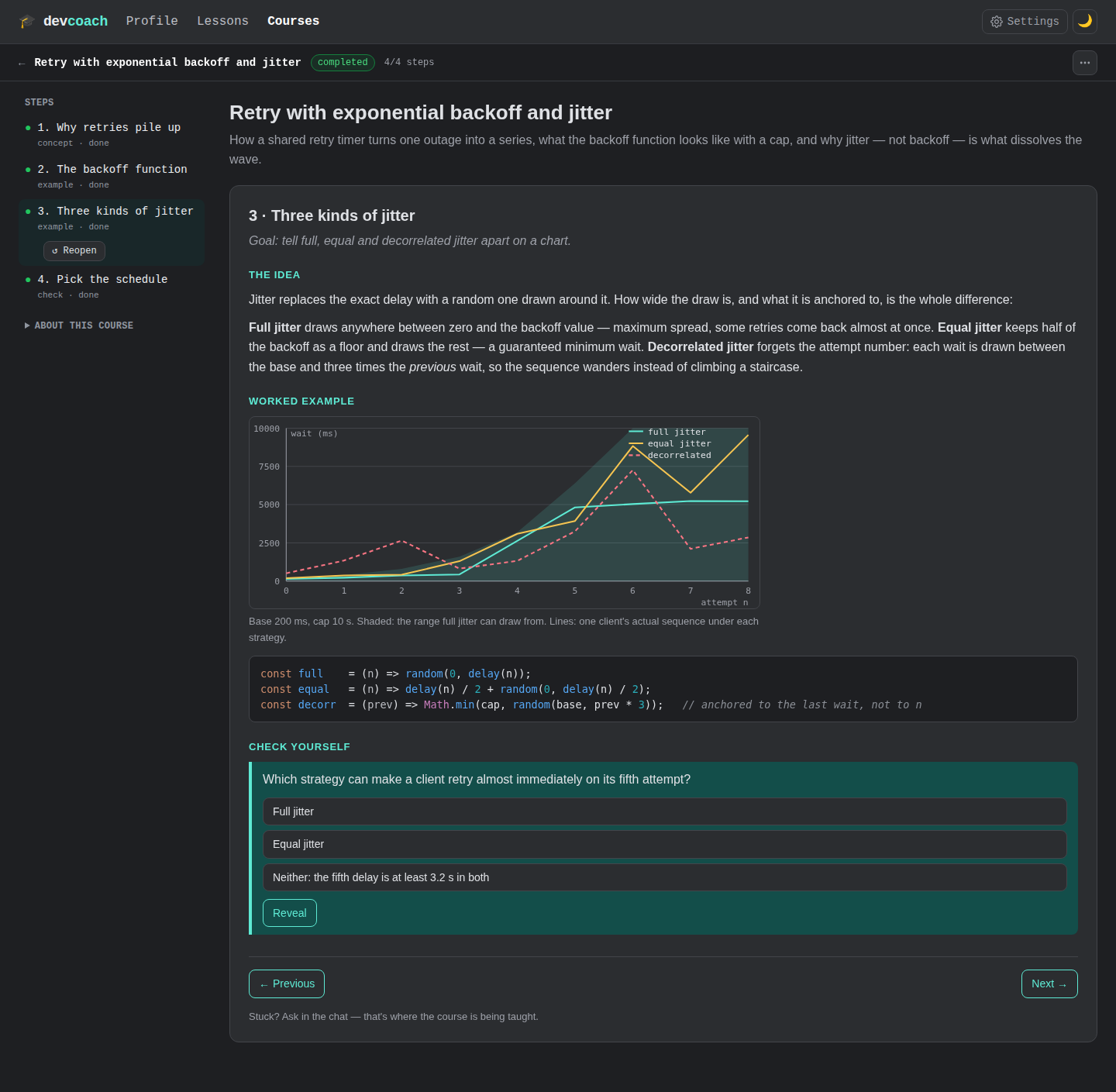
The two courses in the screenshots are the documentation's own demo: charts and diagrams are plain SVG that the document draws from a function, so they follow the theme like everything else.
CLI
devcoach courses          # list, with progress
devcoach course <id>      # chain, steps, document path
Writing courses by hand
Code is highlighted. A course that shows code carries highlight.js (BSD-3-Clause) inside the
file: devcoach fills a placeholder the document leaves for it, licence text included, so the
code is coloured in the dashboard, from disk and in a published artifact alike. Colours follow
the palette and the theme. Documents written before this existed are highlighted by the dashboard
when it serves them; the file on disk stays as it was. A course
without code never carries the library, and a backup stores the placeholder rather than one copy
of the library per course: restore puts it back, so a restored course is self-contained again. See
THIRD_PARTY_NOTICES.md.
A course document is plain HTML. If you want to polish one, edit index.html in its folder — the
dashboard reloads it on the next view. Colours are CSS variables on :root (--bg --panel --text --muted --line --code-bg --accent --accent-soft --on-accent --ok --ok-soft --warn --warn-soft --log-bg --log-text), set for light, for @media (prefers-color-scheme: dark) and for
:root[data-theme="dark"]: a course conforms to the dashboard's palette without copying it —
the neutrals are the dashboard's, the accent is the course's own. Opened on its own the document
follows your OS and has its own light/dark switch; inside the dashboard that switch is hidden
and the document follows the dashboard's theme toggle, with the dashboard's neutrals. Keep it self-contained: inline styles and scripts, no
external URLs, no forms, no alert/confirm (the sandbox blocks all of those). Keep the
one-section-at-a-time script and the nav.steps menu (the dashboard hides the menu, it opens the
file with data-embedded set, and appends a tiny script that reports the frame's height — the file
on disk is never touched). Adding a section by hand? Ask the agent to register it
(add_course_step), or leave it as extra reading.