Claude Code · Claude Desktop · Gemini CLI · Codex CLI · Cursor
Stay sharp while your AI does the work.
When your agent finishes a task, devcoach teaches you one thing from it that you don't know yet: a short lesson, right in the conversation. Free, 100% local, and quiet by design.
- Claude Code
- Homebrew
- npx
- Gemini CLI
- Codex CLI
- Claude Desktop
/plugin marketplace add UltimaPhoenix/claude-plugins-marketplace
/plugin install devcoach@ultimaphoenix
Type both lines in Claude Code. Plugin guide →
brew tap UltimaPhoenix/tap && brew trust --tap UltimaPhoenix/tap
brew install devcoach && devcoach install
macOS and Linux; adds the devcoach CLI. Homebrew guide →
npx -y devcoach install
Any OS with Node.js 24+. npx guide →
npx -y devcoach install --gemini
Beta. Gemini CLI guide →
npx -y devcoach install --codex
Beta. Codex CLI guide →
Download devcoach-<version>.mcpb from the latest release and open it. Claude Desktop installs it as an extension.
Beta. Claude Desktop guide →
- No account, no telemetry
- At most 2 lessons a day
- Open source · AGPL-3.0
- 1
You work as usual
Ask your agent for a feature, a fix, a refactor. Nothing to open, no command to run.
- 2
A lesson lands
When one is due, a short card on something that task touched and you don't know yet, pitched at your level.
- 3
You answer with one key
yknew it ·uunderstood ·ncouldn't follow. The next lesson goes deeper, or slower.
What happens
You work on a task with your AI agent as usual. When it finishes, devcoach appends a lesson:
### ──────── 🎓 devcoach ────────
**Promise.allSettled vs Promise.all — don't let one failure sink the batch** · TypeScript · Mid

Promise.all rejects the moment any promise rejects, and you lose the results of
the ones that already succeeded. For independent work (fan-out fetches, batch
writes) that's usually the wrong default.

Promise.allSettled always resolves, giving you a status for every promise:

    const results = await Promise.allSettled(ids.map(fetchUser));
    const ok = results.filter(r => r.status === "fulfilled").map(r => r.value);

Use Promise.all when the tasks are genuinely all-or-nothing; reach for
allSettled when partial success is meaningful and you want to report failures.

💡 *Senior tip:* for work that *should* cancel its siblings on failure, a shared
AbortController gives you all-or-nothing with prompt cancellation.
### ──────── typescript · mid ────────

Did that land? ✅ knew it (y) · 💡 understood (u) · ❌ couldn't follow (n)
Using devcoach
Onboarding in one pass
The first time your agent connects, devcoach scans your local Claude Code history — every project you've worked in, file and activity metadata only — and builds your knowledge map (topics, confidence scores, groups) plus your coaching notebook in one pass, with no questions. You review the result afterwards, not before. Prefer more control? Automatic (Deep) is an opt-in tier that also reads your local session transcripts for a sharper profile; Guided walks through your stack in conversation; Import backup restores a previous profile.
Feedback in one keystroke, coaching that stays quiet
Under every lesson card: Did that land? ✅ knew it (y) · 💡 understood (u) · ❌ couldn't follow (n). Reply y when you already knew it (confidence on that topic goes up, so the next lessons there go deeper), u when it was new and clear, n when it was too dense (it's kept as a seed for a step-by-step course) — or just keep working: no reply means no change. By default devcoach delivers at most 2 lessons a day, at least 4 hours apart, cues one only every ~10 interactions per chat session, and never during plan-mode turns.
Your knowledge map, in a dashboard
devcoach ui opens a local dashboard: adjust confidence and groups inline, browse and filter your lesson history, tune the pacing and rate limits, back up or restore everything, and read your coaching notebook.
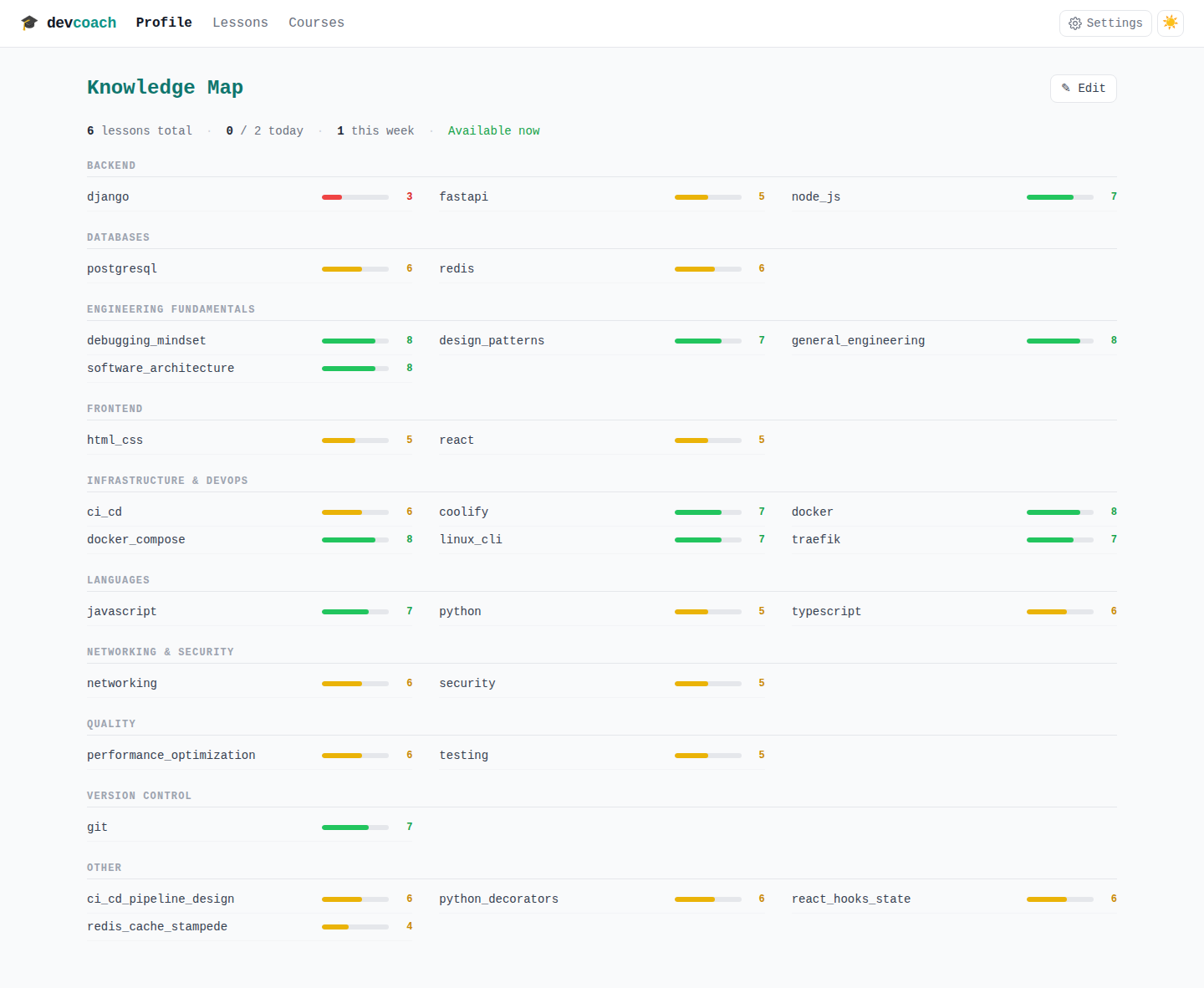
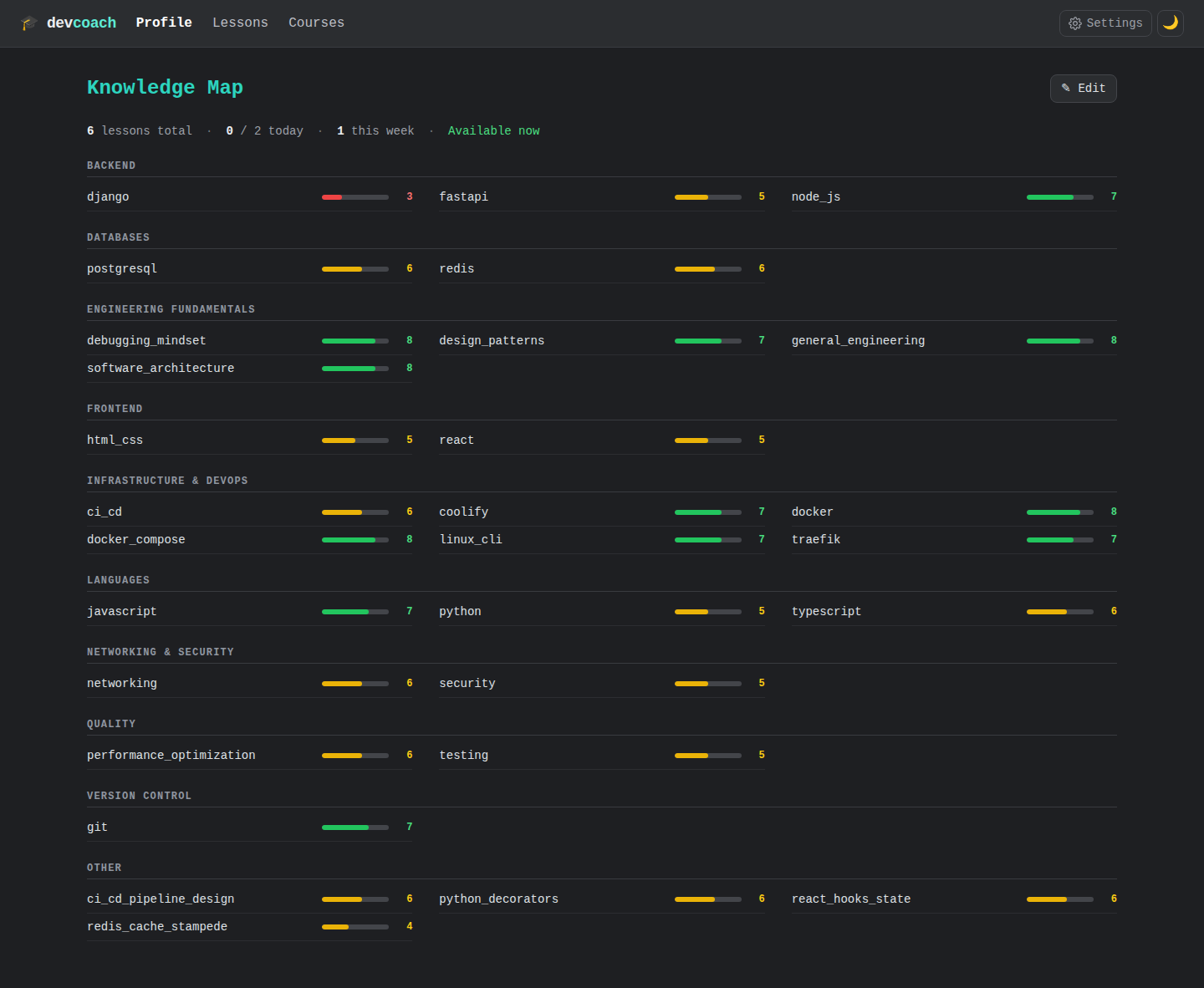
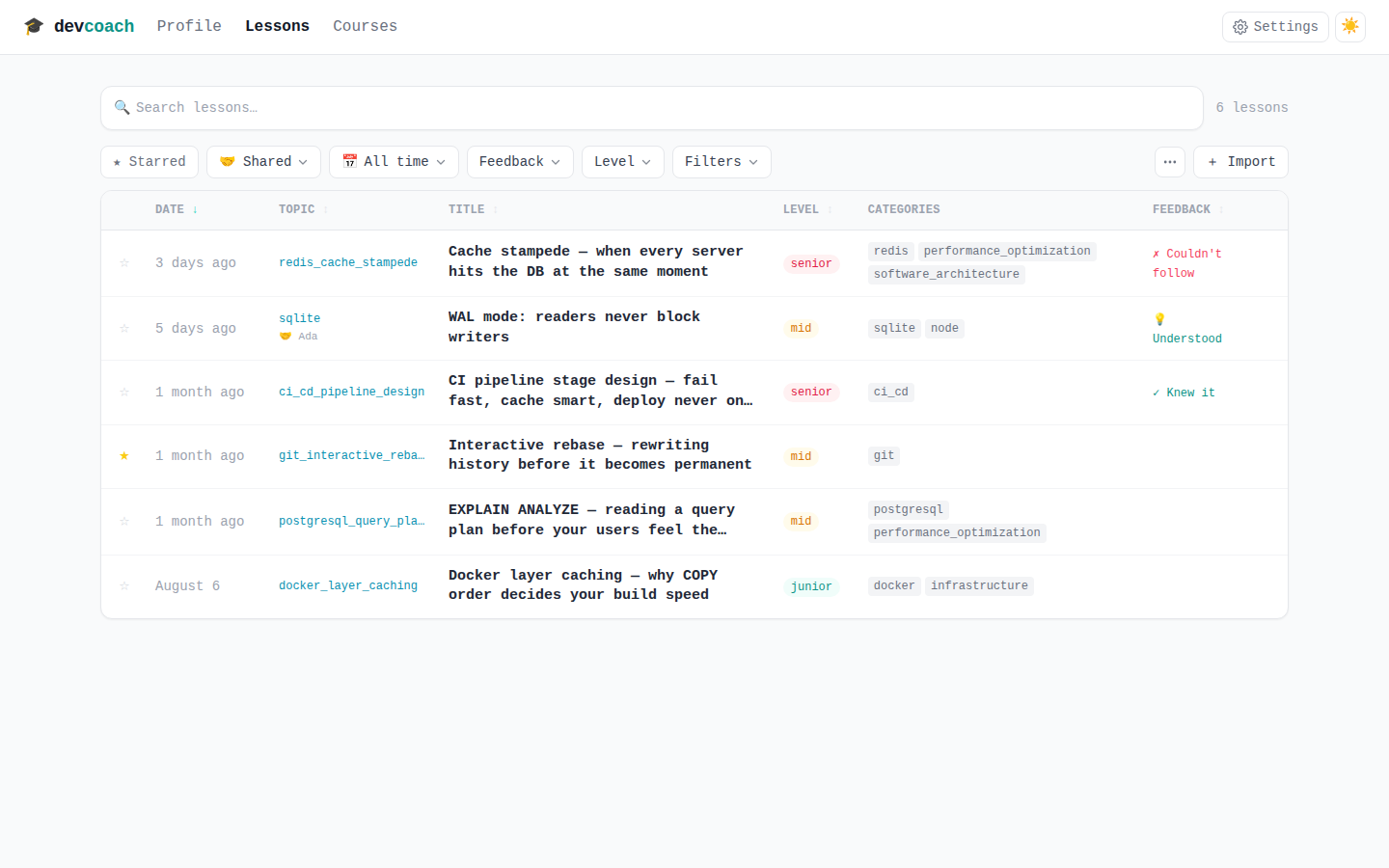
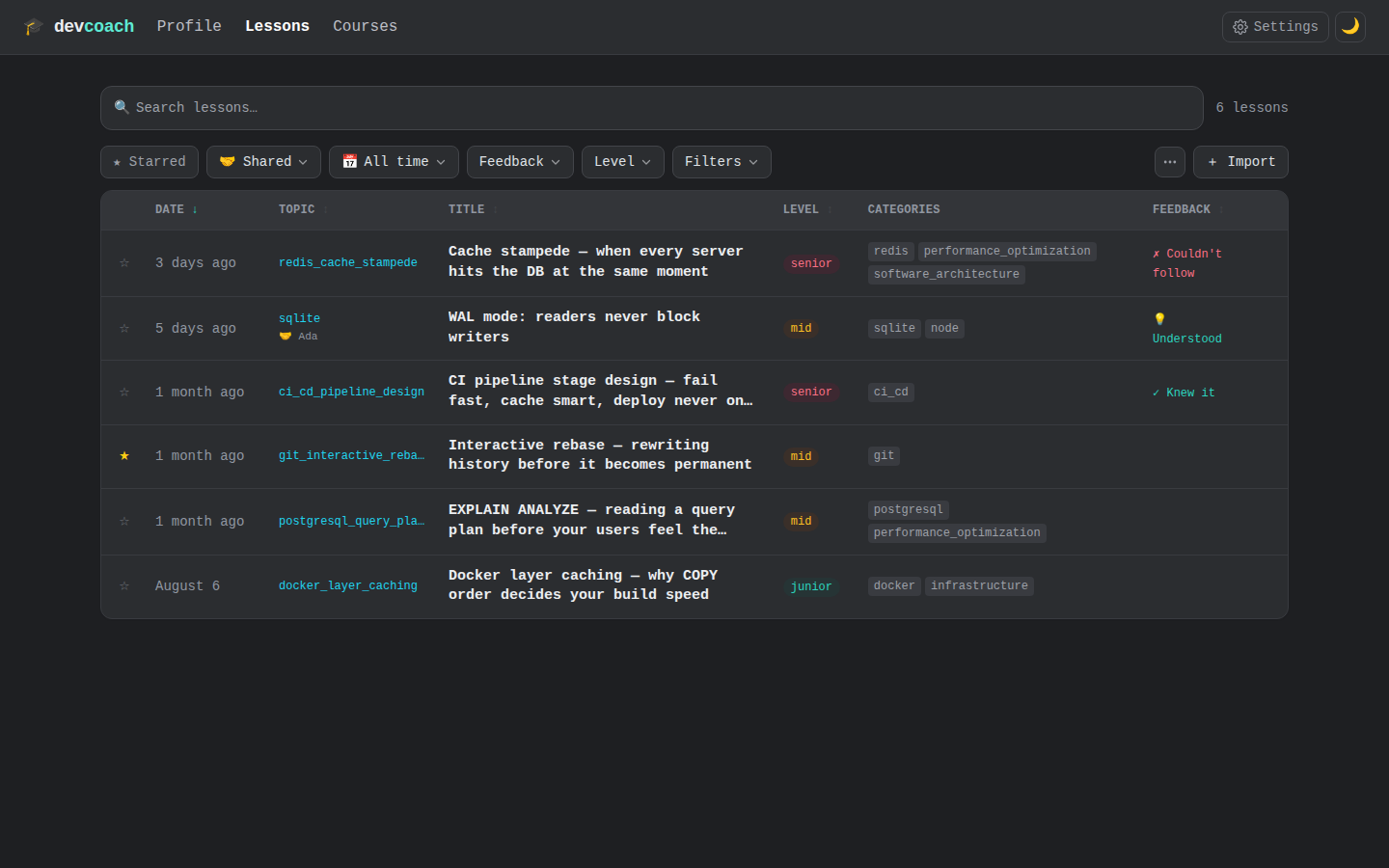
Terminal person? The same data is one command away: devcoach stats, devcoach lessons --period week, devcoach backup.
Web dashboard → · CLI reference →
Share what landed
A lesson that clicked for you is one click away from a teammate: as copyable text, a server-less
link, or a .devcoach.md file — from the dashboard, the terminal or your agent. Imported lessons
join the receiver's log as shared by you and never touch their daily limit.
→ Sharing lessons
The coaching notebook
Every lesson is tied to where it happened — project folder, repository, branch, commit — and your agent keeps a coaching notebook at ~/.devcoach/learning-state.md: written at onboarding, refreshed every 10 lessons, and yours to annotate. Flag what didn't click or mark what has sunk in, and the next lessons follow your notes. It stays local and it's optional.
How to get started
- Install — choose your method (Homebrew, Claude Code plugin, npx, or Claude Desktop)
- Let onboarding build your profile — one pass, no questions
- Start working — coaching happens automatically
Everything's local. No data leaves your machine. One SQLite file.
Why devcoach exists
AI agents now write much of our code. Velocity is up. So is a quieter cost: when the machine does the thinking, it's easy to accept the result and learn nothing from it.
Competence is built slowly. You can't cram it on demand. The moment you need it most — a correctness bug the model missed, a 2 a.m. outage, an architectural call the AI got wrong — the depth either exists or it doesn't.
devcoach's bet is simple: a few minutes of genuine learning, delivered in context and spaced across the work you already do, compounds. It's learning on the job, automated.
Privacy by design
Everything stays on your machine. No telemetry, no accounts, no calls home. Just one SQLite file.
Roadmap & community
- Vision & roadmap — free, local, not commercialized; ideas we're exploring next
- GitHub Issues — feature requests, feedback and questions: open an issue
- Star on GitHub ⭐
All guides
- Coaching in your agent — onboarding, your first lesson and the feedback loop
- Sharing lessons — hand a lesson to a teammate as text, link or file
- Web dashboard — manage your knowledge map
- CLI reference — all commands
- Installation — every install method, agent by agent
- How it works — the coaching loop and decision flow
- MCP server reference — all tools and resources
- Configuration — rate limits, pacing, data location
- License & commercial use — free & open source (AGPL-3.0); what that means for closed-source use
- Contributing — fork, develop, submit a PR